
Tech
What Is a Smart Speaker? Explained in Simple Terms

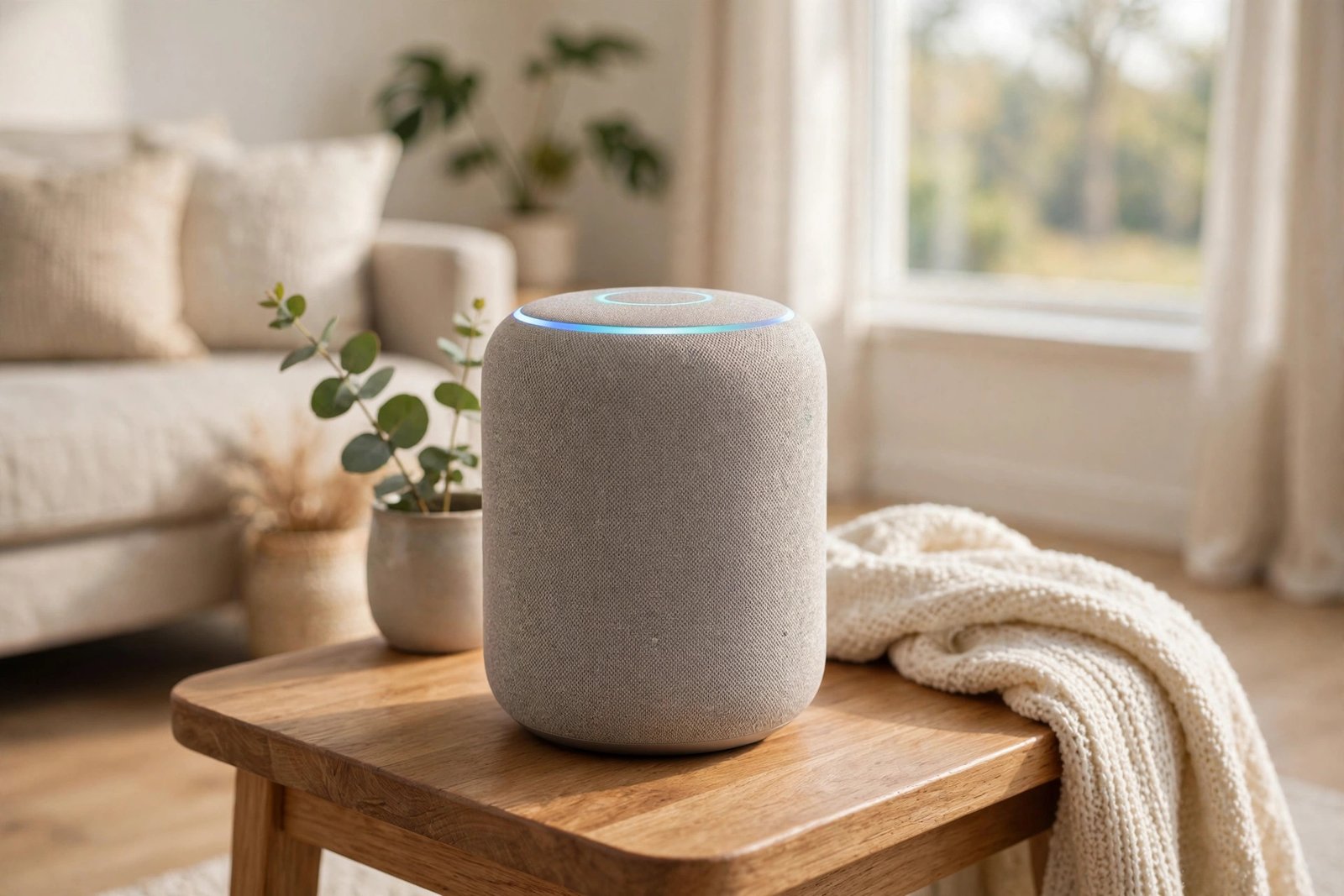
A smart speaker is a speaker you control with your voice. Instead of pressing buttons or opening an app, you just say a wake word like “Alexa” or “Hey Google” and tell it what you want — play music, set a timer, check the weather, or turn off the lights.
At first glance it looks like an ordinary small speaker. The difference is inside: it has microphones, an internet connection, and a built-in voice assistant that understands what you say and acts on it. Once you have used one for a week, reaching for your phone for little everyday tasks starts to feel like extra work.
What Exactly Is a Smart Speaker?
A smart speaker is a loudspeaker with a voice assistant built in. The assistant is the software that listens, understands your request, and carries it out. The three assistants you will meet most often are Amazon’s Alexa, Google Assistant, and Apple’s Siri.
Each assistant belongs to a family of products. Alexa lives in Amazon Echo speakers, Google Assistant lives in Google Nest speakers, and Siri lives in Apple’s HomePod speakers. The speaker itself is just the body — the assistant is the brain.
Most smart speakers connect to your home Wi-Fi network. That connection is what makes them “smart”: it lets them stream music directly from the internet, answer questions by looking things up, and talk to other smart devices in your home.
How Does a Smart Speaker Work?
The process takes a couple of seconds and follows the same steps every time:
- It listens for its wake word. The speaker’s microphones stay on standby, listening only for a word like “Alexa” or “Hey Google.” Until it hears that word, it does not record or send anything.
- It records your request. Once the wake word is heard, the speaker records what you say next and sends that short recording over the internet to the assistant’s servers.
- The assistant figures out what you mean. Software turns your speech into text, works out your intent — play a song, set an alarm, answer a question — and picks the right response.
- It answers or acts. The response comes back to the speaker, which plays it out loud or carries out the action, like starting music or switching on a light.
Smart speakers use several microphones and noise-cancelling software so they can hear you from across the room, even while music is playing. Newer models also do some of this processing on the device itself, which makes simple commands faster.
What Can You Do With a Smart Speaker?
Here are the things most people actually use them for every day:
- Music and podcasts: Play songs, albums, radio stations, and podcasts from services like Spotify, Apple Music, or Amazon Music, without touching your phone.
- Everyday questions: Ask for the weather, the news headlines, a sports score, a unit conversion, or the answer to a quick question.
- Timers, alarms, and reminders: Set a cooking timer, a morning alarm, or a reminder to take something out of the oven — all hands-free.
- Smart home control: Turn lights on and off, change the thermostat, lock a door, or check a security camera, as long as those devices are compatible.
- Routines: Tie several actions to one phrase. Saying “good morning” can turn on the lights, read the weather, and start the news, all at once.
- Calls and messages: Call another speaker in your home as an intercom, or make hands-free calls to your contacts.
Some models, called smart displays, add a touchscreen. The Echo Show and Nest Hub are the best-known examples. The screen shows the weather, song lyrics, video, or camera feeds, and lets you tap controls instead of only using your voice.
Smart Speaker vs Bluetooth Speaker: What’s the Difference?
This is the question that confuses most buyers, so here is the simple version:
A Bluetooth speaker depends on your phone. Your phone plays the music and sends it to the speaker over Bluetooth. If your phone leaves the room or the connection drops, the music stops.
A smart speaker works on its own. Once it is set up on your Wi-Fi, it streams music directly from the internet. Your phone can be in another room, switched off, or out of battery, and the music keeps playing. You also get voice control and smart home features that a plain Bluetooth speaker simply does not have.
That said, most smart speakers can also work as Bluetooth speakers when you want them to. If a guest wants to play something from their phone, they can connect over Bluetooth just like with a normal speaker.
The Three Main Voice Assistants
Amazon Alexa (Echo speakers)
Alexa came first. The original Amazon Echo, released in 2014, was the first mainstream smart speaker. Alexa has the widest range of speakers, from the tiny Echo Dot to the bigger, better-sounding Echo Studio, and it works with a huge number of smart home products. It is a good default choice if you are not already tied to Google or Apple.
Google Assistant (Nest speakers)
Google followed in 2016 with Google Home, now sold under the Nest name. Google Assistant is strong at answering general questions, since it draws on Google Search, and it fits naturally if you already use Gmail, Google Calendar, or YouTube. Its speakers, like the Nest Mini and Nest Audio, are simple to set up.
Apple Siri (HomePod speakers)
Apple joined in 2018 with the HomePod, which focuses on sound quality alongside Siri. HomePods work best inside an Apple household — iPhone, Apple Music, Apple TV — and are the priciest of the three, but music lovers often say they sound the best.
There is no single “best” assistant. The right one usually depends on which phone and services you already use.
Do You Need Wi-Fi and a Subscription?
Yes, you need Wi-Fi. A smart speaker without an internet connection can only do very basic things, like working as a Bluetooth speaker. All the voice features need the internet.
No, you do not need a monthly subscription for the basics. Asking questions, setting timers, controlling lights, and listening to free radio all cost nothing beyond the speaker itself. You only pay extra if you want a paid music service like Spotify Premium or Apple Music, and even then, free tiers and radio stations still work.
Setup is simple: plug the speaker in, open its companion app on your phone (Alexa app, Google Home app, or Apple Home app), connect it to your Wi-Fi, and sign in. Most people are done in about ten minutes.
What About Privacy?
This is the most common worry, and it is a fair one. Here is how it actually works:
The speaker is always listening for its wake word, but it is not recording everything you say. The wake-word detection happens on the device, and only after the wake word is heard does it start sending audio to the cloud. That said, speakers do sometimes mishear a similar-sounding word and wake up by mistake.
You have real controls:
- Microphone button: Every major smart speaker has a physical button that turns the microphones off completely. Press it, and it cannot listen at all until you press it again.
- Review and delete recordings: In the Alexa, Google Home, or Apple Home app, you can review your voice recordings and delete them, one by one or all at once.
- Voice purchasing: You can turn off voice purchasing or require a spoken confirmation code, so nobody can order things just by talking to your speaker.
If privacy is a top concern, use the mute button when you do not need voice control, and check your recording settings once after setup. That covers most of the risk.
Should You Buy a Smart Speaker?
A smart speaker is worth it if you like hands-free convenience: music while you cook, timers while your hands are busy, lights without getting up, and quick answers without reaching for your phone. It is also genuinely useful for people who have trouble with small phone screens or buttons.
It may not be for you if you have no Wi-Fi, rarely listen to music or podcasts at home, or simply do not like the idea of a microphone in the room. In that case, a good Bluetooth speaker gives you the sound without the voice features.
If you do decide to try one, start small. A basic model like an Echo Dot or Nest Mini costs little, and it will tell you quickly whether voice control fits your daily routine. You can always add more speakers later — many homes end up with one in the kitchen and one in the bedroom.
Frequently Asked Questions
Do smart speakers work without Wi-Fi?
Only in a limited way. Without Wi-Fi they can usually still play audio over Bluetooth from your phone, but voice commands, streaming, and smart home control all need an internet connection.
Are smart speakers always listening?
They are always listening for their wake word, but they only record and send audio after they hear it. You can press the microphone mute button to stop listening entirely.
Do I need a subscription to use a smart speaker?
No. The built-in assistant, timers, questions, and smart home control are free. Paid music services are optional.
Can a smart speaker control my lights and thermostat?
Yes, if those devices are compatible with your speaker’s assistant. Most popular smart lights, plugs, thermostats, and locks work with Alexa and Google Assistant, and many work with Siri through Apple HomeKit.
What is the difference between a smart speaker and a smart display?
A smart display is a smart speaker with a touchscreen added. It can show video, photos, song lyrics, and camera feeds, and you can tap controls on the screen. A regular smart speaker is voice-only.

Man on Fire Explained: Denzel Washington’s 2004 Thriller, Cast and Where to Watch Free

What Is a Smart Speaker? Explained in Simple Terms

Ryan Garcia Explained: The WBC Welterweight Champion Linked to a Floyd Mayweather Fight

Empower Your SEO and Design with Seotoolsgroupbuy.us’ Designer Plan

Twstalker Twitter Web Viewer: Guide to Anonymous Twitter Browsing
