
Tech
Kindle vs Kobo: Which E-Reader Should You Buy?

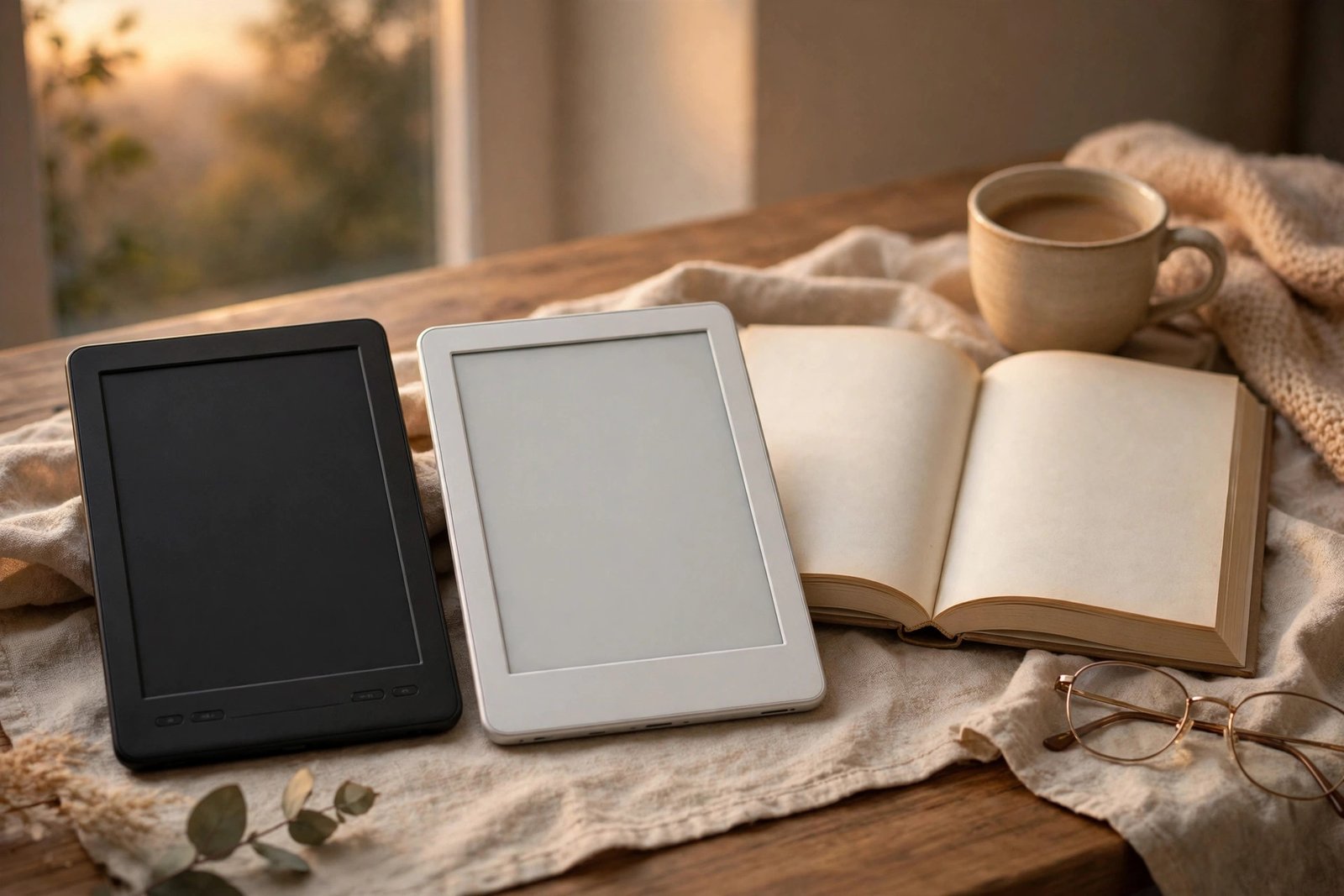
If you are shopping for an e-reader, the choice usually comes down to two names: Amazon’s Kindle and Rakuten’s Kobo. Both make good devices with sharp screens and weeks of battery life. The real difference is not the hardware. It is where you get your books, and how much freedom you want with them.
Quick answer: Choose a Kindle if you already buy books from Amazon, use Audible, or want the biggest ebook store with the least fuss. Choose a Kobo if you borrow a lot of library books, read EPUB files from different places, or want a more open reader. If you are starting fresh and you use your local library, Kobo is the better pick for most readers.
Kindle vs Kobo at a glance
| Kindle | Kobo | |
|---|---|---|
| Starting price (Oct 2026) | From $149.99 for the basic Kindle; Paperwhite from $199.99 | From $159.99 for the Kobo Clara BW |
| Screen | 6-inch on the basic Kindle, 7-inch on Paperwhite; 300 ppi | 6-inch on Clara models, 7-inch on Libra Colour; 300 ppi |
| Storage | 16GB on standard models | 16GB on standard models |
| Waterproofing | Paperwhite is IPX8 waterproof; the basic Kindle is not | Clara BW and Libra Colour are IPX8 waterproof |
| Warm light for night reading | Yes on Paperwhite; brightness only on the basic Kindle | Yes on Clara BW and Libra Colour (ComfortLight PRO) |
| Library borrowing | Through the Libby app on your phone, then sent to Kindle | Built-in OverDrive borrowing right on the device |
| File formats | Kindle formats; EPUB files need converting through Send to Kindle | EPUB supported natively, plus easy sideloading by USB |
| Audiobooks | Audible over Bluetooth | Kobo audiobooks over Bluetooth on colour models |
| Page-turn buttons | Mostly touch-only (a separate page-turn cover is sold for newer models) | Physical buttons on the Libra Colour |
Prices above are starting prices listed in October 2026 and can change. Kindle starting prices usually include lockscreen ads; the ad-free version costs more. Always check the store page before you buy. You can check the current Kobo Clara BW price on Kobo’s US store.
The lineup, in plain terms
On the Kindle side, the range is simple. The basic Kindle (2026) is a small, light 6-inch reader from $149.99 with up to 6 weeks of battery life. The Paperwhite (2026) steps up to a 7-inch screen, warm light, waterproofing, and up to 12 weeks of battery life, from $199.99. The Paperwhite Signature Edition, from $249.99, adds more storage and an auto-adjusting light. If you want colour for comics and covers, the Colorsoft starts from $289.99.
On the Kobo side, the Clara BW at $159.99 is the direct rival to the basic Kindle, but it adds warm light and waterproofing that the basic Kindle does not have. The Clara Colour, at $179.99, adds a colour screen for comics and highlighted notes. The Libra Colour, at $259.99, is the pick for readers who want a bigger 7-inch colour screen and physical page-turn buttons. For note-taking on a large screen, both brands sell bigger stylus models, the Kindle Scribe and the Kobo Elipsa 2E, but those are a different, pricier buy.
Where you buy books matters most
This is where the two brands split. A Kindle locks you, in practice, into Amazon. That is fine if Amazon is already where you buy books. The store is huge, buying takes seconds, and if you subscribe to Kindle Unlimited you get a large rotating library included. Moving Kindle books you bought to another brand of reader is not simple, because they are tied to Amazon’s system.
Kobo is the more open choice. It reads EPUB files natively, which is the standard format used by most bookshops and libraries outside Amazon. You can buy from the Kobo store, load books you already own by USB, or borrow from your library without going through your phone first. If you like owning files in a format that works on more than one company’s devices, Kobo wins this round clearly.
Library books: Kobo wins, and it is not close
If borrowing library ebooks is a big part of your reading, get a Kobo. OverDrive borrowing is built into the device, so you can browse your library, borrow a book, and start reading without touching another app. On a Kindle, library borrowing goes through the Libby app on your phone or tablet, and the book is then sent to your Kindle. It works, but it is an extra step every time.
Heavy library users often find that this one difference alone pays for the Kobo over a year or two, because borrowed books cost nothing. Casual library users may not care, and that is fine too.
Reading experience day to day
For plain novels, both are excellent. Text is sharp at 300 ppi on both brands, both have glare-free screens that read well in sunlight, and both last weeks on a charge with normal reading. The differences show up at the edges.
Kobo gives you more control: more font choices, finer margin and line-spacing settings, and reading stats that track your progress in more detail. Kindle feels more polished and simple out of the box, with features like Word Wise definitions and X-Ray character guides on many books. If you read in the bath or by the pool, note that the basic Kindle is the odd one out here: it has no waterproofing, while the Clara BW, Paperwhite, and Libra Colour are all waterproof.
For comics, cookbooks, and graphic novels, a colour screen helps. The Clara Colour and Libra Colour give you colour at a lower price than Kindle’s Colorsoft, and the Libra Colour’s physical buttons are a genuine comfort on long reads. If you only read novels in black and white, colour is money you do not need to spend.
Subscriptions: Kindle Unlimited vs Kobo Plus
Both brands sell a reading subscription. Kindle Unlimited gives you a large rotating catalogue of ebooks, magazines, and comics. Kobo Plus does the same from Kobo’s catalogue, and Kobo also sells audiobook plans. Neither subscription includes every new bestseller, and titles come and go, so treat a subscription as a bonus, not the reason to pick a brand. Pick the device first, then add a subscription only if its catalogue has books you actually want to read.
Which is better for you?
Buy a Kindle if: you already own Kindle books, you use Audible, you want the simplest buying experience, or you want the biggest store. The Paperwhite is the best all-round Kindle for most buyers.
Buy a Kobo if: you borrow library books often, you read EPUB files from different shops, you want warm light and waterproofing at the lowest price, or you want physical page-turn buttons. The Clara BW is the best value Kobo for novel readers; the Libra Colour is the pick if you want colour and buttons.
Still not sure? Ask yourself one question: where will your next ten books come from? If the answer is Amazon, buy a Kindle. If the answer is your library, a mix of shops, or files you already own, buy a Kobo. That one habit will decide which reader you are happier with a year from now.
Frequently asked questions
Can I read Kindle books on a Kobo?
Not directly. Books bought from Amazon are tied to Amazon’s system and are read in a Kindle device or app. Books without copy protection that you own can be moved to a Kobo, but Amazon purchases do not transfer in a simple way.
Can I read EPUB books on a Kindle?
Kindle does not read EPUB files natively. You can send EPUB files through Amazon’s Send to Kindle service, which converts them, but it is an extra step. Kobo reads EPUB files directly.
Is Kindle or Kobo better for library books?
Kobo, because library borrowing through OverDrive is built into the device. Kindle library borrowing works through the Libby app on your phone, which then sends the book to your Kindle.
Do I need a colour e-reader?
Only if you read comics, graphic novels, cookbooks, or highlighted textbooks. For novels, a black-and-white screen is sharper for the price and battery lasts longer. Colour is a nice extra, not a must-have.
Which e-reader is cheapest to start with?
As of October 2026, the basic Kindle starts from $149.99 and the Kobo Clara BW from $159.99. The Kobo costs a little more up front, but it includes warm light and waterproofing that the basic Kindle does not, so compare features, not just the sticker price.

Kindle vs Kobo: Which E-Reader Should You Buy?

7 Best WiFi Extenders for Large Homes (2026)
Can Too Many Devices Slow Down WiFi? Yes — Here’s Why (and How to Fix It)

Empower Your SEO and Design with Seotoolsgroupbuy.us’ Designer Plan

Twstalker Twitter Web Viewer: Guide to Anonymous Twitter Browsing
