
Tech
7 Best WiFi Extenders for Large Homes (2026)

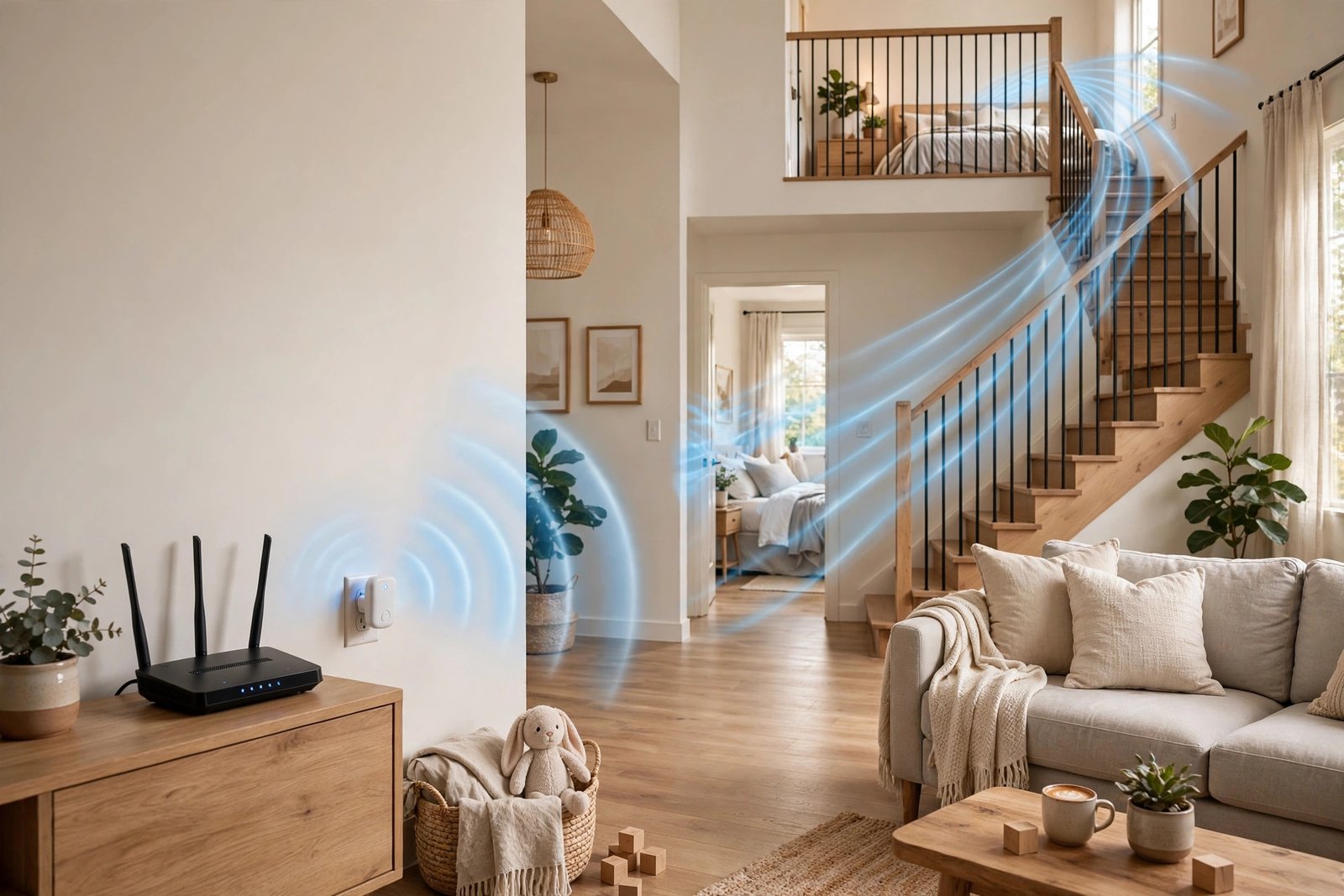
A large home does not need a faster internet plan to fix dead zones. It needs the signal to reach further. A WiFi extender picks up your router’s signal and repeats it into rooms where it currently drops out, which makes it a much cheaper fix than replacing your whole setup. This list only includes extenders that are still sold in the US and that suit bigger homes, not tiny plug-in boosters meant for a single room.
We picked these seven by comparing WiFi standard, added coverage, device capacity, and wired ports, and by checking each model against current manufacturer specifications. Coverage figures below are the makers’ own maximums, so treat them as a guide: thick walls, floors, and interference will cut real-world range. If you are still unsure how WiFi works in a big house, that explainer will help before you buy.
Quick picks at a glance
- Best overall: TP-Link RE715X (AX3000, WiFi 6)
- Best for speed and wired gear: NETGEAR Nighthawk EAX80 (AX6000, WiFi 6)
- Best mid-range value: TP-Link RE615X (AX1800, WiFi 6)
- Best for ASUS homes: ASUS RP-AX58 (AX3000, WiFi 6)
- Best cheaper WiFi 6: TP-Link RE515X (AX1500, WiFi 6)
- Best future-proof pick: TP-Link RE653BE (WiFi 7)
- Best budget pick: TP-Link RE315 (AC1200, WiFi 5)
The 7 best WiFi extenders for large homes
1. TP-Link RE715X — Best overall
The RE715X is the easiest extender to recommend for most large homes. It is a dual-band WiFi 6 extender with combined speeds up to AX3000 (2,402 Mbps on 5 GHz and 574 Mbps on 2.4 GHz), coverage of up to around 2,400 square feet, and support for up to 64 devices. It also has a gigabit Ethernet port, so you can wire up a smart TV, games console, or PC in the room it serves. It works with almost any router, and it can join a TP-Link EasyMesh or OneMesh network for smoother roaming if your router supports it. Buy this one if you want strong all-round performance without paying flagship prices.
2. NETGEAR Nighthawk EAX80 — Best for speed and wired gear
The Nighthawk EAX80 is a big, powerful WiFi 6 mesh extender built for busy households. It offers AX6000 speeds (up to 4.8 Gbps on 5 GHz and 1.2 Gbps on 2.4 GHz), adds up to 2,500 square feet of coverage, and is rated for 30 or more devices. Where it really stands out is wired connectivity: it has four gigabit Ethernet ports and a USB 3.0 port, so it can serve a home office or entertainment setup as well as extend wireless coverage. It is larger and pricier than the plug-in models here, but it suits large homes where several devices need a stable, fast connection at once.
3. TP-Link RE615X — Best mid-range value
The RE615X gives you WiFi 6 at a step below the RE715X, with AX1800 speeds (1,201 Mbps on 5 GHz and 574 Mbps on 2.4 GHz), coverage of up to 2,100 square feet, and support for up to 64 devices. It has a gigabit Ethernet port and an access point mode, so it can also turn a wired connection into a WiFi hotspot. This is the sweet spot if your home is large but your internet plan and device count are moderate, and you do not need the fastest extender on the market.
4. ASUS RP-AX58 — Best for ASUS homes
The RP-AX58 is an AX3000 dual-band WiFi 6 extender with coverage of up to 2,200 square feet, 160 MHz channel support, and a gigabit Ethernet port. It works with nearly any router, but it shines in an ASUS home: paired with a compatible ASUS AiMesh router, it joins one seamless whole-home network with smooth handover as you move between rooms. It also offers extender, access point, and media bridge modes, which makes it flexible for a spare room, garage office, or TV corner. Pick this one if you already run ASUS gear or want that mesh-style roaming.
5. TP-Link RE515X — Best cheaper WiFi 6
The RE515X is the most affordable way to get proper WiFi 6 coverage here. It offers AX1500 speeds (1,201 Mbps on 5 GHz and 300 Mbps on 2.4 GHz), coverage of up to 1,800 square feet, support for up to 64 devices, and a gigabit Ethernet port. It is also EasyMesh-compatible and has an access point mode. It will not cover as much ground as the models above, so it suits a large home with one stubborn dead zone rather than a whole floor that gets no signal at all, but for the money it is hard to beat.
6. TP-Link RE653BE — Best future-proof pick
If you are buying for the next five years and already own, or plan to buy, WiFi 7 devices, the RE653BE is the forward-looking choice. It is a WiFi 7 range extender in the BE11000 class, rated to add up to around 2,800 square feet of coverage, with a 2.5 Gbps wired port for faster wired devices. You will not see its full benefit with older WiFi 5 or WiFi 6 devices, and it costs more than the WiFi 6 models above, so only choose it if future-proofing matters more to you than saving money today.
7. TP-Link RE315 — Best budget pick
The RE315 is a WiFi 5 (AC1200) extender with combined speeds up to 1,200 Mbps (867 Mbps on 5 GHz and 300 Mbps on 2.4 GHz) and coverage of up to 1,500 square feet. It is a simple plug-in unit that works with almost any router and supports OneMesh with compatible TP-Link gear. Note its Ethernet port is Fast Ethernet (10/100 Mbps), not gigabit, so it is best for light use: browsing, email, and video calls in a back bedroom, not for a gaming PC or a 4K streaming setup. If your budget is tight and your dead zone is small, it does the job.
Extender or mesh system?
An extender is the right fix when your router is already good and only one or two areas lose signal. A mesh system is usually better when the whole house has weak coverage, or when you want one network name with seamless roaming everywhere. Our comparison of mesh WiFi vs WiFi extender walks through that choice in detail, and it is worth reading before you spend more than you need to.
How to place an extender in a large home
Placement matters more than the model you buy. Put the extender halfway between your router and the dead zone, not inside the dead zone itself: it can only repeat a signal it can still receive clearly. Plug it into an outlet in an open area, away from thick walls, metal appliances, and fish tanks, and keep it off the floor. After setup, test speeds in the problem room, then move the extender one outlet closer to the router if speeds are still poor. Most extender apps include a signal indicator to help you find the best spot, so use it rather than guessing.
Frequently asked questions
Will a WiFi extender slow down my internet?
It can, a little. A single-band extender that talks to your router and your devices on the same band will share that bandwidth. Dual-band models like the ones above handle this better, and wiring a device into the extender’s Ethernet port avoids the wireless repeat step entirely. That is why a gigabit port is worth having even if you mostly use WiFi.
Do I need a WiFi 6 or WiFi 7 extender?
Match the extender to your router and devices. A WiFi 6 extender is the sensible default in 2026, since most current phones and laptops support it. WiFi 7 only pays off if your router and devices support it too. A WiFi 5 extender like the RE315 is fine for basic use, but it is not a good long-term buy for a busy household.
How many extenders does a large home need?
Start with one, placed well. If two separate areas still struggle, a second extender can help, but at that point a mesh system often works better, because extenders can create separate network names that your phone has to switch between. If you find yourself adding a third extender, switch to mesh instead.
Final verdict
For most large homes, the TP-Link RE715X is the best balance of speed, coverage, and price. If you need lots of wired ports and top-end wireless speed, step up to the NETGEAR Nighthawk EAX80. If money is tight, the TP-Link RE515X gives you WiFi 6 for less, and the RE315 covers a small dead zone on the smallest budget. Whichever you choose, place it carefully, and retest in the room that used to drop out — that test, not the box, tells you whether the fix worked.



7 Best WiFi Extenders for Large Homes (2026)
Can Too Many Devices Slow Down WiFi? Yes — Here’s Why (and How to Fix It)

Luka Doncic Scores 52 Points as Lakers Beat Jazz 132-123

Empower Your SEO and Design with Seotoolsgroupbuy.us’ Designer Plan

Twstalker Twitter Web Viewer: Guide to Anonymous Twitter Browsing
