
Tech
7 Best E-Readers for Kids in 2026: Safe Picks for Every Age

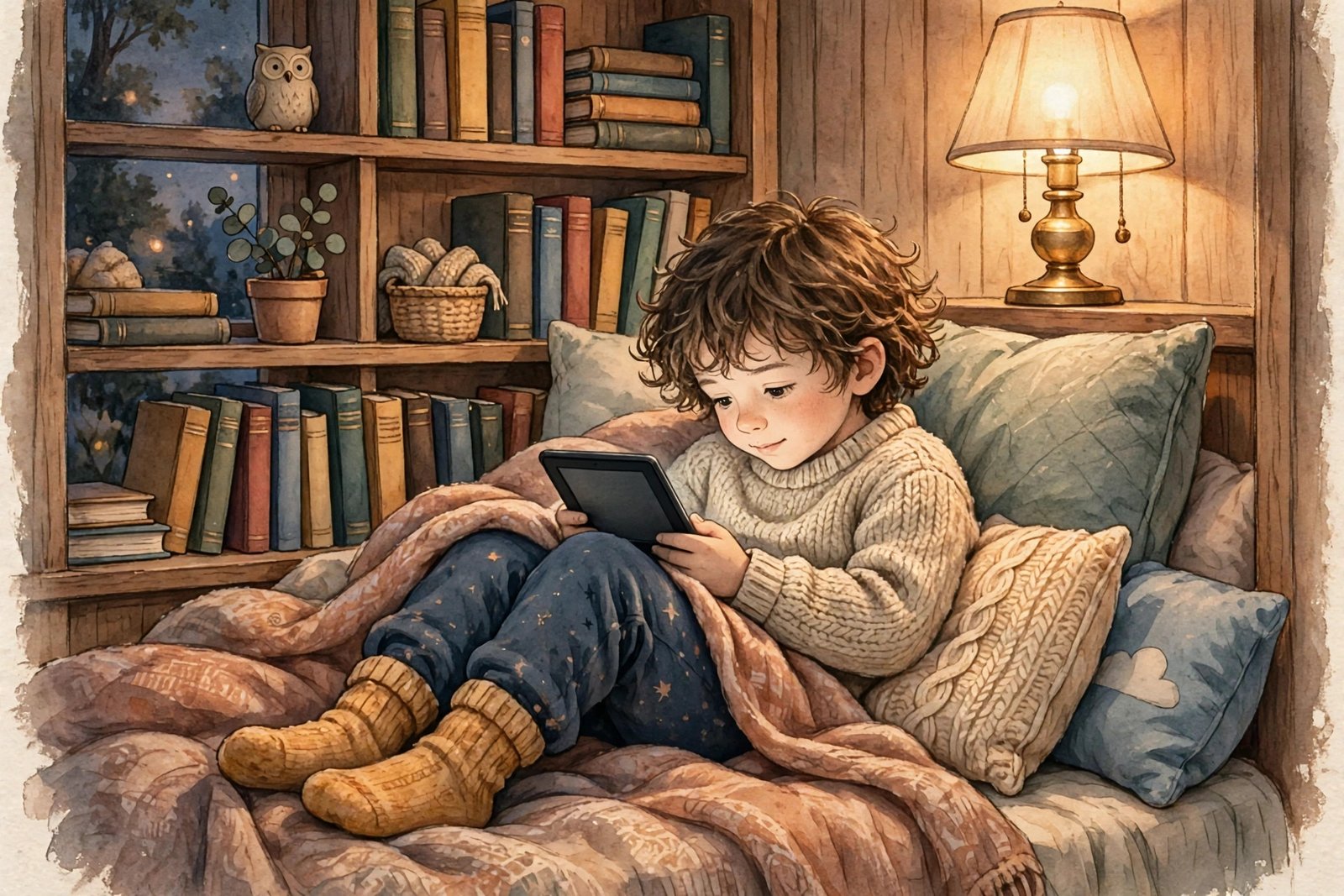
A tablet can do everything, and that is exactly the problem when you just want your child to read. An e-reader does one thing well: books. No games, no videos, no notifications popping up mid-chapter. If you are shopping for one, this list covers the seven best e-readers for kids right now, picked for safety, simplicity, and how well each one fits a child’s age and reading stage.
How this list was picked: every device here is a real, currently sold e-reader with a glare-free e-ink screen and weeks of battery life. We favored distraction-free reading, parental controls or a simple setup a parent can manage, and good value — not the most expensive model. Prices below are the list prices at the time of writing; always check the live listing before you buy, as deals change often.
Quick picks
- Best for most kids: Kindle Kids — from $179.99
- Best for keen readers: Kindle Paperwhite Kids — $229.99
- Best for picture books and comics: Kindle Colorsoft Kids — $299.99
- Best for library-loving older kids: Kobo Clara BW — $159.99
- Best color pick outside Amazon: Kobo Clara Colour — $179.99
- Best budget route: Regular Kindle plus a case — from $149.99
- Best for teens: Regular Kindle Paperwhite — from $199.99
1. Kindle Kids — Best for most kids
The Kindle Kids is the safest default choice for a first e-reader. It is the regular 6-inch Kindle in a kid-friendly bundle: a protective cover in fun designs, no lockscreen ads, and the Parent Dashboard, where you can set reading goals, age filters, and a device bedtime, and share books from your own library with your child. The 2026 models include 12 months of Amazon Kids+, which gives access to thousands of age-appropriate books and audiobooks — just note that it renews automatically after the included period unless you cancel it. Battery life is rated at up to six weeks, and 16GB of storage holds thousands of books.
Best for: children roughly ages 6 to 9 who are moving into chapter books. Keep in mind: the screen is black-and-white and there is no warm light for bedtime reading, so keen night-time readers should look at the Paperwhite Kids below.
2. Kindle Paperwhite Kids — Best for keen readers
This is the same idea, stepped up: a larger 7-inch glare-free screen, an adjustable warm light for comfortable bedtime reading, and a waterproof design that survives pools, baths, and spilled drinks. Battery life stretches to up to 12 weeks. It comes with the same kid-friendly cover, Parent Dashboard, and Amazon Kids+ bundle as the base Kindle Kids.
Best for: children roughly ages 8 to 12 who read a lot, read at night, or take their books everywhere. Keep in mind: it costs about $50 more than the base Kindle Kids, and for a child who only reads in short bursts, that extra screen size may not matter.
3. Kindle Colorsoft Kids — Best for picture books and comics
Younger children’s books live in color, and this is the first Kids Kindle that shows them properly. The 7-inch color e-ink screen makes picture books, graphic novels, and comics look the way they should, while still being glare-free in sunlight. Like the Paperwhite Kids, it is waterproof and has an adjustable warm light, with battery life rated at up to eight weeks.
Best for: younger readers whose books are full of illustrations, and comic and graphic-novel fans. Keep in mind: it is the most expensive Kids model, so for text-heavy chapter books it does the same job as the cheaper Paperwhite Kids.
4. Kobo Clara BW — Best for library-loving older kids
If your family borrows a lot of library books, the Kobo Clara BW deserves a serious look. Its 6-inch glare-free screen has an adjustable warm light, it is waterproof, and — unlike a Kindle — it borrows library ebooks directly on the device through built-in OverDrive support, with no phone app needed in between. It also reads EPUB files natively and never shows ads. At $159.99, it undercuts most of the Kindle Kids range while offering waterproofing and a warm light the base Kindle lacks.
Best for: older children and pre-teens who use the public library a lot and are comfortable with a slightly more grown-up setup. Keep in mind: there is no dedicated kids profile or bundled kids subscription, so parents set up the device themselves and manage what goes on it.
5. Kobo Clara Colour — Best color pick outside Amazon
The Clara Colour takes everything good about the Clara BW and adds a 6-inch color e-ink screen, so illustrated books and comics get their color back. It stays waterproof, keeps the warm light and built-in library borrowing, and at $179.99 it is far cheaper than Amazon’s color Kids model — a strong choice if you want color without joining the Amazon ecosystem.
Best for: families who want color and library borrowing on a budget. Keep in mind: color e-ink is softer than a tablet screen, so it suits book illustrations and comics rather than video or games — which, for a reading device, is the point.
6. Regular Kindle plus a case — Best budget route
You do not strictly need a Kids edition. The regular Kindle starts at $149.99, and with a sturdy protective case and parental controls set up in the settings, it becomes a perfectly good kids’ reader for less money. You miss out on the bundled cover, the Kids+ subscription, and the worry-free replacement guarantee that comes with Kids editions, but if you already own a spare Kindle or catch a sale, this is the cheapest way in.
Best for: families on a tight budget, or a second reader for a younger sibling. Keep in mind: check the current guarantee terms on the listing before you buy, as they have changed between generations.
7. Regular Kindle Paperwhite — Best for teens
Teenagers usually do not need a kids bundle at all. The regular Paperwhite, from $199.99, gives them the bigger 7-inch screen, waterproofing, warm light, and up to 12 weeks of battery, without the kid-friendly cover or subscription they have outgrown. It is also the natural next step when a child graduates from a Kids edition but wants to stay in the Kindle ecosystem.
Best for: teens and older students who read independently. Keep in mind: teens who borrow heavily from the library may still prefer the Kobo Clara BW above, since library borrowing is built right in.
How to choose: 4 questions before you buy
How old is the reader, and what do they read? Picture books and comics point to a color model; chapter books point to a cheaper black-and-white one. Where will they read? Baths, pools, and bedtime reading argue for waterproofing and a warm light. Where do the books come from? Families deep in Amazon’s store should stay with Kindle; heavy library users get more from a Kobo. Do you want a subscription? Amazon Kids+ is a genuine perk for younger kids, but set a reminder for its renewal date so it never surprises you.
Why not just buy a cheap tablet?
A tablet does more, but that “more” is the distraction you are usually trying to avoid: games, videos, and notifications competing with the book. An e-reader’s calm, glare-free screen is easier on young eyes, its battery lasts weeks instead of hours, and when a child picks it up, the only thing to do is read. If you are still unsure what an e-reader even is, our guide What Is an E-Reader? Explained in Simple Terms covers the basics, and our Kindle vs Kobo comparison goes deeper on choosing between the two ecosystems.
Frequently asked questions
What age is best for a first e-reader?
Most children are ready around age 6, when they start reading chapter books on their own. Younger children who still mostly listen to stories may get more from read-along books than from a dedicated reader.
Do Kids Kindles have parental controls?
Yes. Kids editions come with the Parent Dashboard, which lets you manage content, set reading goals and bedtimes, and see reading progress. On a regular Kindle or Kobo, you set up controls yourself in the device settings.
Can kids borrow library books on an e-reader?
Yes. Kobo readers borrow directly on the device through OverDrive, while Kindle readers borrow through the Libby app and send the book to the Kindle. Either way, a library card keeps the reading free.
Is an e-reader better than a tablet for kids’ eyes?
E-ink screens are glare-free and reflect light like paper rather than shining it at the reader, which most families find calmer for long reading sessions. No screen replaces good habits, though — regular breaks and good lighting still matter.
The short version: for most families, the Kindle Kids is the easy, safe pick. Step up to the Paperwhite Kids for a keen reader, the Colorsoft Kids for color-loving younger kids, or a Kobo if the library is your child’s main bookstore. Whichever you choose, you are buying the same thing that matters most — a device whose only job is reading.



7 Best E-Readers for Kids in 2026: Safe Picks for Every Age

Is Reading on a Kindle Bad for Your Eyes? The Honest Answer

How to Borrow Library Books on Kindle (Free, With Libby)

Empower Your SEO and Design with Seotoolsgroupbuy.us’ Designer Plan

Twstalker Twitter Web Viewer: Guide to Anonymous Twitter Browsing
