
Tech
AirPlay vs Chromecast: Which One Is Better in 2026?

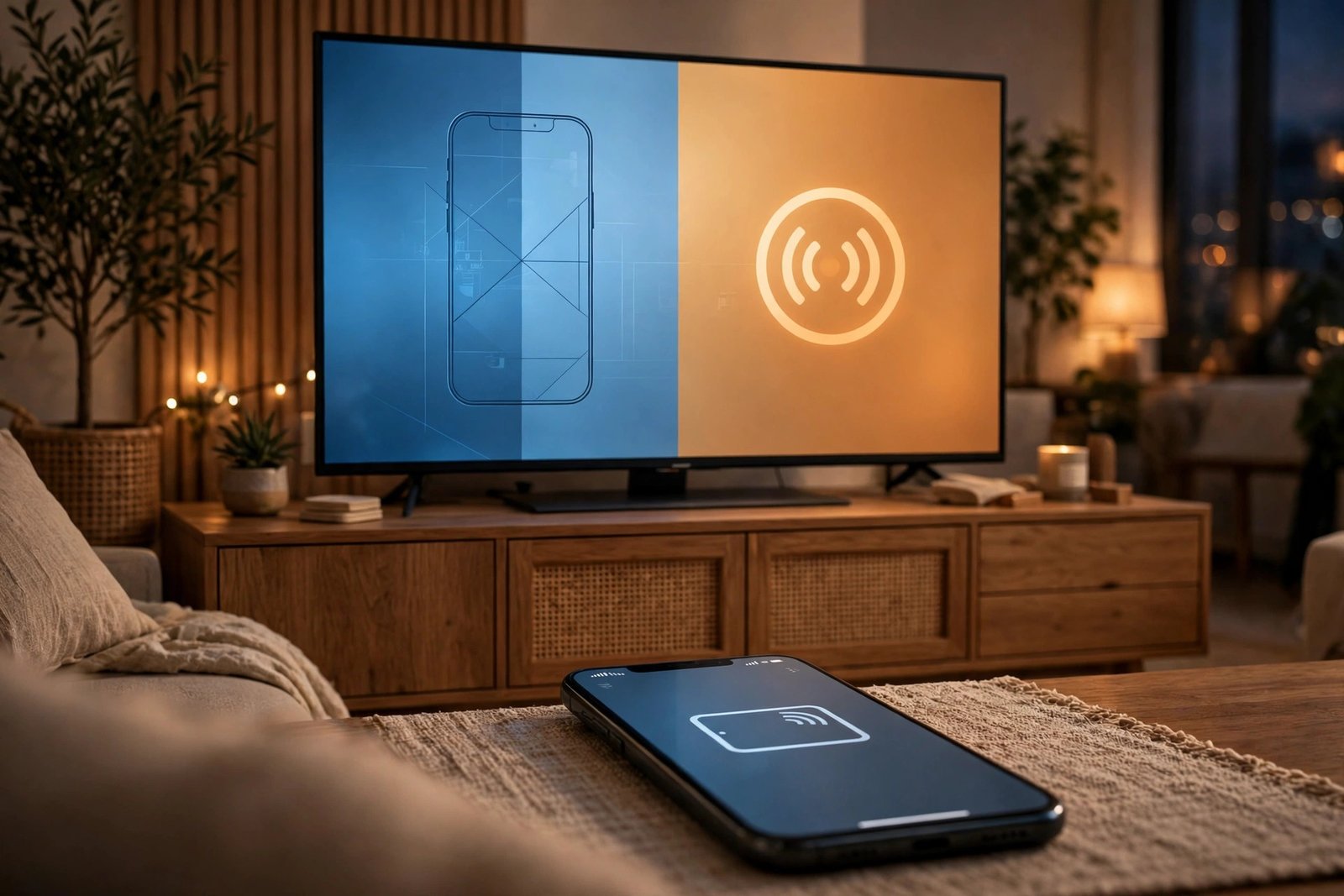
AirPlay and Chromecast are the two names that come up every time someone wants to get what’s on their phone onto a TV. They sound similar, and they solve the same problem, but they work in different ways and they suit different homes. If you’re trying to decide between them, here’s the honest breakdown — including one big change from the last couple of years that most older guides don’t mention.
The Quick Verdict
Pick AirPlay if you live in the Apple world — iPhone, iPad, or Mac — and want easy screen mirroring. Pick Google Cast (the technology behind Chromecast) if you use Android, or if most of your watching happens inside streaming apps like YouTube or Netflix, where Cast tends to run smoother. If your TV already has both built in, you don’t need to choose at all.
AirPlay vs Chromecast at a Glance
| AirPlay | Chromecast / Google Cast | |
|---|---|---|
| Made by | Apple | |
| Senders | iPhone, iPad, Mac (built in) | Android, iPhone, iPad (in Cast-enabled apps), Chrome browser on Windows/Mac/Chromebook |
| Receivers | Apple TV 4K, AirPlay 2 smart TVs, HomePod, Mac | Google TV Streamer, Google TV / Android TV, Cast-enabled smart TVs and speakers |
| How it works | Your Apple device sends video, audio, or your whole screen to the receiver | Your phone tells the receiver what to play, then the receiver streams it directly |
| Screen mirroring | Built in at system level, very smooth | Available from Android and Chrome browser; less refined |
| Video quality | Up to 4K HDR, Dolby Vision, Dolby Atmos (Apple TV 4K) | Up to 4K HDR, Dolby Vision, Dolby Atmos (Google TV Streamer) |
| Multi-room audio | AirPlay 2 speakers | Google Home / Nest speaker groups |
| Cost of entry (Oct 2026) | Apple TV 4K at $299, or an AirPlay 2 TV you may already own | Google TV Streamer at $149.99, or a Google TV you may already own |
What Is AirPlay?
AirPlay is Apple’s wireless streaming standard, built directly into iOS, iPadOS, and macOS. You can send a video, a song, a photo, or your entire screen to a compatible receiver — usually from Control Center or the Screen Mirroring menu. Common receivers are the Apple TV 4K, smart TVs with AirPlay 2 support, HomePod speakers, and other Macs. You can read more on Apple’s official AirPlay page.
AirPlay 2, the current version, added multi-room audio: you can play the same music on several compatible speakers around the house and control it all from your iPhone.
What Is Chromecast (Google Cast)?
“Chromecast” has become a loose name for Google’s Google Cast technology — the thing that happens when you tap the Cast icon inside an app like YouTube or Spotify. The app on your phone hands the TV or speaker a link, and the receiver streams the content directly from the internet. Your phone then works as a remote: pause, volume, skip.
Here is the part older articles miss: Google discontinued the Chromecast hardware line in August 2024, and the last units were pulled from sale in February 2025. The replacement is the Google TV Streamer ($149.99 as of October 2026), which runs Google TV and still accepts Google Cast. Google Cast is also built into a huge number of smart TVs and speakers, so the technology is far from dead.
How They Actually Differ
How the content gets to your TV
This is the real technical difference. With AirPlay, your iPhone or Mac does the work: it sends the media (or a live copy of your screen) to the receiver over your WiFi network. With Google Cast, your phone just sends an instruction — the TV or speaker then loads the video itself from the internet.
Why it matters: Cast uses less of your phone’s battery and is less affected when your phone gets busy or locks. AirPlay keeps everything in one Apple-controlled pipeline, which is why mirroring feels tighter on Apple devices.
Device compatibility
AirPlay is an Apple-first system. The sender is almost always an iPhone, iPad, or Mac. The good news is that many recent TVs from Samsung, LG, Sony, and Vizio include AirPlay 2, so you may not need an Apple TV at all.
Google Cast is more open on the sending side: Android phones, iPhones, iPads (inside apps that support Cast), and any computer running Chrome can send. On the receiving side, you need a Google TV device, an Android TV, or a TV/speaker with Cast built in — and those are extremely common.
One honest catch for iPhone users: casting from an iPhone to a Google device depends on each app supporting it, and it can break when the app goes to sleep in the background. AirPlay doesn’t have that problem.
Screen mirroring
If your main goal is showing your actual phone screen on the TV — a presentation, photos, a website, a game — AirPlay is the clear winner for Apple users. It’s a system-level feature: swipe into Control Center, tap Screen Mirroring, done. You can even mirror an iPhone to a TV without much setup at all.
Google Cast can mirror too — from Android’s Cast screen option or from a Chrome browser tab on a computer — but it’s a step down in smoothness, and iPhones can’t mirror over Cast natively. For cross-platform homes where no single standard covers every device, third-party screen mirroring apps can fill the gap.
Video and sound quality
At the top end, both reach the same place: 4K HDR with Dolby Vision and Dolby Atmos on the right hardware (Apple TV 4K on one side, Google TV Streamer on the other). For everyday watching — streaming a show from a supported app — most people won’t see a difference. The gap shows up in mirroring: AirPlay’s mirroring tends to stay smoother, while Cast is strongest when the app hands off the stream to the TV directly.
Cost (as of October 2026)
Prices have moved a lot recently. Apple announced a new Apple TV 4K on October 13, 2026 at $299 (single 128GB model, ships November 13, 2026). Google’s current box, the Google TV Streamer, sells for $149.99. That’s a $150 gap if you’re buying fresh hardware.
But check your TV first. If it already lists AirPlay 2 or Google Cast in its settings — many 2019-and-newer models do — your cost of entry is zero, and this comparison becomes purely about which sender device you own.
Which One Is Better for You?
| Your setup | Better choice |
|---|---|
| You use iPhone, iPad, and Mac | AirPlay |
| You use Android phones or tablets | Google Cast |
| Your main goal is mirroring your phone screen | AirPlay |
| You mostly watch inside streaming apps | Google Cast |
| Your speakers are HomePods or AirPlay 2 | AirPlay |
| Your speakers are Google Home / Nest | Google Cast |
| Your TV supports both standards | Whichever matches the device in your hand |
Frequently Asked Questions
Is Chromecast discontinued?
The Chromecast hardware line was discontinued by Google in August 2024, with the last units pulled from sale in February 2025. The Google Cast technology continues — it’s built into the Google TV Streamer ($149.99) and into countless smart TVs and speakers. If you still own an old Chromecast, it keeps working for casting from supported apps.
Can I use Chromecast / Google Cast from an iPhone?
Yes, in apps that include the Cast button — YouTube, Netflix, Spotify, and many others. You can’t mirror your whole iPhone screen over Cast the way AirPlay does, though. For that, AirPlay or a third-party mirroring app is the way.
Does AirPlay work with Android or Windows?
Not natively. AirPlay senders are Apple devices. An Android phone or Windows PC can’t AirPlay to a TV without a third-party app bridging the gap.
Which is better for watching Netflix and YouTube?
Either, honestly — if the app is on both platforms. One thing to watch: Netflix blocks casting entirely on its ad-supported plan, so you’ll need a Standard or Premium plan to cast from your phone regardless of which technology you use.
Do I need to buy anything if my TV already supports both?
No. Check your TV’s settings or manual for “AirPlay” and “Google Cast” (or “Chromecast built-in”). If both are there, use AirPlay from Apple devices and Cast from everything else, and skip the extra boxes.


AirPlay vs Chromecast: Which One Is Better in 2026?

8 Best Free Screen Mirroring Apps for Phone, TV, and PC (2026)

Can You Screen Mirror Without WiFi? Yes — Here’s How

Empower Your SEO and Design with Seotoolsgroupbuy.us’ Designer Plan

Sejda PDF Editor Review: Features, Pricing & Best Alternatives
