
Tech
How to Check If Your Password Has Been Leaked (Free, in 5 Minutes)

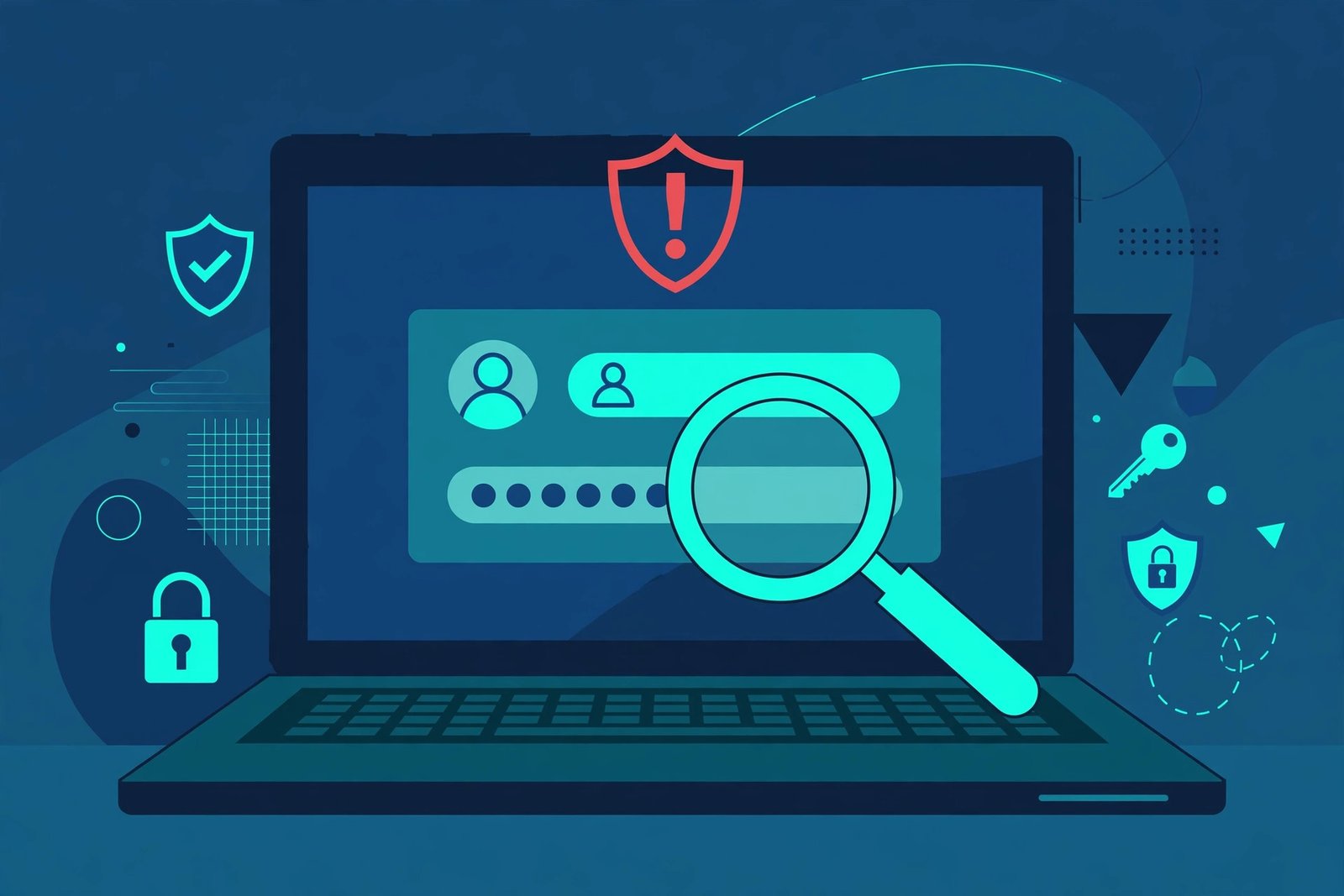
Your password could already be out there — and you would never know unless you check. Data breaches happen all the time, and stolen passwords often end up in lists that anyone can find. The good news: checking takes about five minutes, and the best tools are free.
Quick answer: Go to Have I Been Pwned and search your email address to see which breaches included it. Then run a password checkup in the tool you already use — Google Password Manager, Apple’s Passwords app, or your password manager — to find out if any password you still use has been exposed. Change anything flagged as compromised, starting with your email account.
Why checking matters
A leaked password is only dangerous if you still use it. Hackers try stolen passwords on lots of sites, betting that people reuse the same one everywhere. That is why a breach at a shopping site you forgot about can still put your email or bank account at risk. Checking tells you which passwords need to go, before someone else uses them.
One important distinction: checking your email address and checking a password are two different things. Your email can show up in a breach even if your password was never exposed. And a password can leak without your email ever appearing. Do both checks below to be sure.
Step 1: Check your email on Have I Been Pwned
Have I Been Pwned is a free breach lookup run by security researcher Troy Hunt. It does not ask you to sign in or pay, and it never shows your actual password.
- Go to haveibeenpwned.com.
- Type in one email address and click the search button.
- If nothing comes up, you will see a green message: “Good news — no pwnage found!” That means this email has not appeared in any breach the service knows about.
- If breaches appear, you will see each one listed with its date and what kind of data was exposed — emails, passwords, phone numbers, and so on.
Repeat this for every email address you use. Most people have at least two or three, and an old address from years ago is the one most likely to be in a breach. You can also sign up on the site for free alerts, so you get an email if your address shows up in a future breach.
Step 2: Check a specific password without sharing it
If you want to test one particular password, use the Pwned Passwords feature on the same site. It works in a clever way: your password is turned into a scrambled code (a hash) on your own device, and only the first five characters of that code are sent to the service. Your actual password never leaves your device.
- On haveibeenpwned.com, open the Passwords section.
- Type in the password you want to test.
- The result shows how many times that exact password has appeared in known breaches.
If the count is zero, that password has not shown up in any breach the service tracks. If the count is high, the password is widely known — change it right away, everywhere you use it. Only do this on a device you trust, and never on a public or shared computer.
Step 3: Run a checkup on the passwords you already save
Checking passwords one by one is slow. The tool you already use can check them all at once. Pick the one that matches your setup:
Google Password Manager (Chrome or Android)
- On your computer, open Chrome.
- Click the three-dot More menu at the top right, then Passwords and autofill, then Google Password Manager.
- On the left, click Checkup. You will see three lists: compromised, reused, and weak passwords.
Not using Chrome? Go to passwords.google.com in any browser, sign in, and select Go to Password Checkup, then Check passwords.
iPhone, iPad, or Mac (Apple Passwords app)
- Open the Passwords app.
- Tap Security. It lists passwords that are weak, reused, or have appeared in data leaks.
- To get alerts about new leaks, go to Settings, then Apps, then Passwords, and make sure Detect Compromised Passwords is on.
Another password manager
Most dedicated managers have the same check built in. Look for a section called Watchtower (1Password), Vault Health (Bitwarden), or Security — it flags exposed, reused, and weak passwords the same way.
What to do if your password was leaked
Do not panic, but do not put it off either. Work through the flagged passwords in this order:
- Your email account first. Email is the key to everything else, because password resets go there. Change it now, and turn on two-factor authentication (2FA) if you have not already.
- Banking, shopping, and anything tied to money or identity next.
- Every other place you reused that password. A leaked password is only safe once it is gone from every account that used it.
- Turn on 2FA everywhere it is offered. Even if a password leaks again, a second step — a code from an app or a text — stops most attackers cold.
When you pick a replacement, make it long and unique to that one site. A password manager can create and remember it for you, so you do not have to. If you are still deciding between saving passwords in your browser or a dedicated app, our guide on Chrome Password Manager vs a dedicated password manager walks through the trade-offs.
Troubleshooting: common problems
“My email was in a breach, but my password was not listed”
That is common. Many breaches expose email addresses without passwords. You are not in immediate danger from that breach alone, but watch for extra spam and phishing emails pretending to be from that company. Change the password anyway if you reused it anywhere.
“Google Password Manager says a password is compromised, but Have I Been Pwned says my email is clean”
Both can be right. Google checks the passwords themselves, not just your email. A password can leak in a breach that never included your email address — for example, when a site stored passwords badly and they leaked on their own. Trust the password check and change it.
“I checked months ago and everything was fine”
New breaches surface constantly, so an old check is only a snapshot. Re-run the checkup every few months, and turn on breach alerts in Have I Been Pwned or your password manager so you hear about new ones automatically.
“The site asks me to pay to see my results”
Close it. The checks in this guide are all free. Any site that demands payment — or asks you to type in a password you currently use — is not one you should trust.
FAQ
Is Have I Been Pwned safe to use?
Yes. It is run by a well-known security researcher, it never asks for your password to check an email address, and its password check sends only part of a scrambled code, never the password itself.
Does a breach mean someone has hacked my account?
Not necessarily. It means your data was exposed in a breach. If the password was exposed and you still use it, treat the account as at risk and change it. If only your email was exposed, the main risk is spam and phishing.
How often should I check?
Run a full checkup every few months, and turn on breach alerts so you are told when something new appears. Checking once and forgetting about it is not enough.
What is the safest way to store passwords going forward?
Use a password manager — either the one built into your browser or a dedicated app — with a unique password for every site, and turn on two-factor authentication on your important accounts. For a password-free option, see our guide on what a passkey is.



How to Check If Your Password Has Been Leaked (Free, in 5 Minutes)

Who Is Sonny Styles? The Commanders Rookie Turning Heads, Explained

Justin Hartley Tracker Season 4 Episode 5: Jensen Ackles Returns, Explained

Empower Your SEO and Design with Seotoolsgroupbuy.us’ Designer Plan

Twstalker Twitter Web Viewer: Guide to Anonymous Twitter Browsing
