
Tech
Why Do Bluetooth Headphones Keep Disconnecting? Causes and Fixes

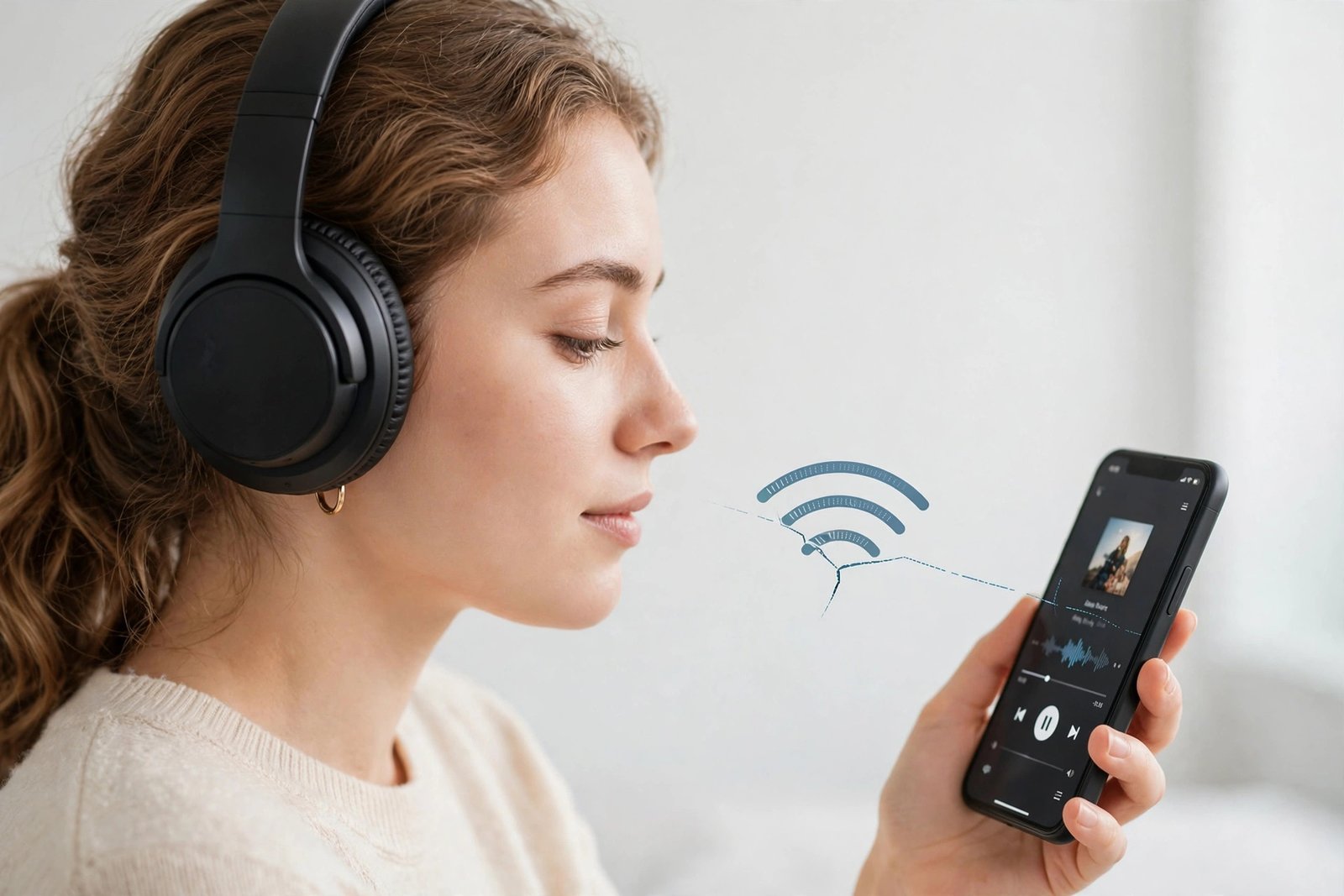
If your music keeps cutting out or your headphones suddenly go silent mid-call, you are not alone. Bluetooth dropouts are one of the most common wireless headphone problems, and the good news is that most of them have a simple fix.
Quick Answer: Bluetooth headphones usually keep disconnecting because the signal is weak or blocked, another device is interfering with it, the battery is low, or the software needs an update. Move closer to your phone, charge your headphones, forget and re-pair them, and update their firmware — one of these steps fixes the problem in most cases.
Why Bluetooth Headphones Keep Disconnecting
Bluetooth is a short-range wireless connection. It works best when your headphones and your phone, laptop, or tablet are close together with a clear path between them. Anything that weakens that signal can cause a dropout. Here are the most common reasons, one by one.
1. You Are Too Far Away, or Something Is in the Way
Most Bluetooth headphones work well up to about 30 feet (10 metres) in open space, but that range drops fast indoors. Walls, a metal desk, or even your own body can weaken the signal. If your phone is in your back pocket or in a bag, the signal has to pass through you to reach your headphones, and that alone can cause cutouts. This is also why headphones sometimes disconnect when you turn your head or walk into another room.
2. Interference From Other Wireless Devices
Bluetooth uses the 2.4 GHz radio band, which it shares with Wi-Fi routers, microwaves, cordless phones, and baby monitors. In a busy home, office, or gym, dozens of devices are fighting for the same airwaves. That crowding can break up your audio, especially if your Wi-Fi router is sitting right next to you.
3. Low Battery
When the battery runs low, many headphones reduce their wireless power or shut off to save what is left. Some models start dropping the connection well before they actually die, often below 20 percent. If your headphones only disconnect near the end of the day, low battery is the likely cause.
4. Too Many Paired Devices
Many modern headphones can remember several devices and even stay connected to two at once (a feature called multipoint). That is handy, but it can backfire: your headphones may try to switch to your laptop while you are listening on your phone, or fight between two paired devices. The result is random disconnects that seem to have no pattern.
5. Outdated Firmware or Software
Headphone makers regularly release firmware updates that fix connection bugs and improve stability. The same goes for your phone’s operating system. If either side is out of date, the two devices may not talk to each other properly, and dropouts follow.
6. Power-Saving Settings
Phones and laptops sometimes turn off Bluetooth to save battery, especially after a period of inactivity. Some headphones also have an auto-off feature that kicks in when no sound plays for a few minutes. If your headphones disconnect during pauses in music or between calls, a power-saving setting is often to blame.
7. Old Bluetooth or Worn-Out Hardware
Older Bluetooth versions have shorter range and weaker connections than newer ones like Bluetooth 5.0 and later. And after years of daily use, a headphone’s internal antenna or battery can wear out. If your headphones disconnect on every device you try, and nothing else helps, the hardware itself may be failing.
How to Fix Bluetooth Headphones That Keep Disconnecting
Work through these fixes in order. Most people find the problem stops at step two or three.
- Move closer and clear the path. Keep your phone in a front pocket or on the desk in front of you, within a few feet of your headphones, and avoid putting walls between the two.
- Charge your headphones fully. A full battery rules out low-power dropouts right away.
- Turn Bluetooth off and on again. On your phone, switch Bluetooth off, wait a few seconds, and switch it back on. This clears up many temporary glitches.
- Forget the headphones and re-pair them. In your phone’s Bluetooth settings, tap “Forget this device,” then pair the headphones again from scratch. This clears corrupted pairing data, which is a very common cause of repeated disconnects.
- Disconnect other Bluetooth devices. If your headphones are paired with a laptop, tablet, and phone, disconnect the ones you are not using so the headphones stop trying to switch between them.
- Update everything. Check your headphone maker’s app for a firmware update, and install any pending software update on your phone or computer.
- Move away from interference. Step away from your Wi-Fi router or microwave, or switch your Wi-Fi to the 5 GHz band if your router offers it, so it stops crowding the 2.4 GHz band Bluetooth uses.
- Turn off battery optimization for Bluetooth. On Android, check that battery saver or optimization is not shutting Bluetooth down in the background. On a computer, check the Bluetooth adapter’s power management setting and turn off “allow the computer to turn off this device to save power.”
- Reset your headphones. Most models have a reset combination (usually holding the power button for 10 seconds or more — check your manual). A reset returns the headphones to factory settings and often fixes stubborn connection bugs.
- Test with another device. Pair the headphones with a different phone or laptop. If they work fine there, the problem is with your original device, not the headphones.
If you are still setting things up, our guide to connecting Bluetooth headphones to any device walks through pairing step by step.
When the Problem Is the Headphones Themselves
It is time to consider a repair or replacement if your headphones disconnect on every device, even right next to the source, with a full battery and fresh pairing. Crackling that gets worse when you move the earcup, a battery that dies very quickly, or dropouts that started after a drop or water exposure all point to hardware damage. Before you buy a new pair, check whether your headphones are still under warranty — many makers cover connection faults.
Common Questions About Bluetooth Disconnects
Why do my Bluetooth headphones disconnect when I move my head?
Your body absorbs 2.4 GHz signals, so turning your head can briefly block the path between your phone and your headphones, especially if your phone is in a pocket on the opposite side. Moving your phone to the same side as the headphone’s antenna, or to a front pocket, usually fixes it.
Can Wi-Fi cause Bluetooth headphones to disconnect?
Yes. Wi-Fi routers, especially on the 2.4 GHz band, are one of the biggest sources of Bluetooth interference. Moving away from the router, or switching your Wi-Fi to 5 GHz, often clears up the dropouts.
Why do my headphones disconnect during calls but not music?
Calls use a different Bluetooth profile than music, with lower audio quality and a two-way connection for the microphone. That profile is more sensitive to weak signals and interference, so a connection that handles music fine can still break up on calls. Moving closer to your phone usually helps.
Do walls block Bluetooth?
Yes, walls, floors, and metal objects all weaken Bluetooth signals. Bluetooth is designed for the same room, not for different rooms. Keeping your phone and headphones in the same room is the simplest way to avoid wall-related dropouts.
The Bottom Line
Bluetooth headphones keep disconnecting for a handful of fixable reasons: distance, obstacles, interference, low battery, crowded pairings, or outdated software. Start with the easy checks — charge up, move closer, and re-pair — and work down the list. In most cases, you will have a stable connection again in a few minutes, with no need to buy a new pair.

7 Best Bluetooth Headphones for Kids in 2026: Safe, Volume-Limited Picks

Why Do Bluetooth Headphones Keep Disconnecting? Causes and Fixes

How to Connect Bluetooth Headphones to Any Device: A Simple Guide

Empower Your SEO and Design with Seotoolsgroupbuy.us’ Designer Plan

Twstalker Twitter Web Viewer: Guide to Anonymous Twitter Browsing
