
Tech
What Is an E-Reader? Explained in Simple Terms

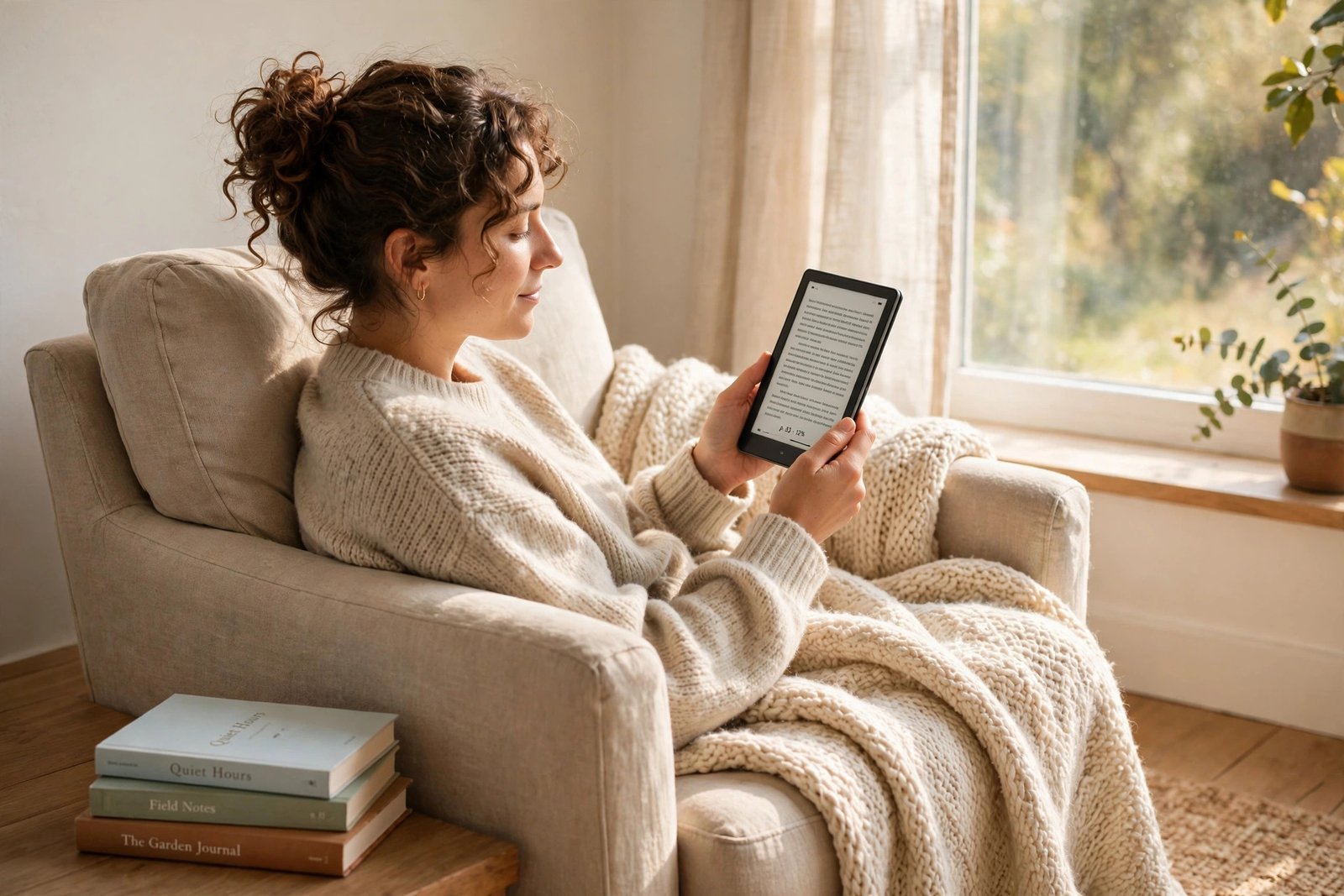
An e-reader is a small, light device made for one job: reading digital books. It looks a bit like a tablet, but it works very differently. Instead of a bright, glowing screen, most e-readers use a paper-like display that is easy on the eyes and can run for weeks on a single charge.
Quick answer: An e-reader is a handheld device that stores and displays e-books. It uses an E Ink screen that looks like printed paper, holds thousands of books in a device lighter than most paperbacks, and lasts for weeks between charges. If you read a lot and want a distraction-free way to carry your library, an e-reader is worth it. If you mainly want videos, games, and apps, a tablet is the better choice.
What exactly is an e-reader?
An e-reader, short for electronic reader or e-book reader, is a portable device built mainly for reading e-books, magazines, and other written material. You buy or borrow digital books, download them over Wi-Fi, and read them on the screen just as you would read a printed page.
The best-known e-readers are Amazon’s Kindle and Rakuten’s Kobo, but other brands such as PocketBook and Onyx Boox make them too. Most are about the size of a paperback, weigh roughly as much as one, and fit easily in a bag or a coat pocket.
An e-reader is not a general-purpose computer. It will not run your usual apps, play video games, or replace your phone. That is the point: with no social media notifications popping up, it is much easier to stay in the book.
How does an e-reader work?
Most e-readers use a display technology called E Ink, or electronic paper. Here is the simple version of how it works:
The screen is made up of millions of tiny capsules filled with black and white particles floating in a clear fluid. When the device applies a small electric charge, the particles move to the surface of the capsule and form letters and images. Once the page is set, it stays put without using more power.
That is why the battery lasts so long. Unlike a phone or tablet screen, which needs constant power to keep glowing, an E Ink screen only uses power when the page changes — when you turn a page, for example. The rest of the time, it just sits there like a printed page.
Most modern e-readers also have a front light. This is different from a phone’s backlight: instead of shining light into your eyes, it washes light across the surface of the screen, a bit like a reading lamp built into the device. Many models let you shift the light to a warmer, amber tone in the evening, which is gentler before bed.
What can you do with an e-reader?
Reading is the main job, but a typical e-reader also lets you:
- Carry a whole library. Even a basic model with 16 GB of storage can hold thousands of books, so you can switch from a novel to a cookbook to a travel guide without packing anything extra.
- Buy and borrow books wirelessly. You can buy books from the device’s own store over Wi-Fi, and many readers let you borrow e-books from your local library — Kobo has library borrowing built in, while Kindle owners in the US can send library books to their device through the Libby app.
- Adjust the text to suit you. You can change the font size and spacing, which helps if you have tired eyes or find small print hard to read. Most readers also have a built-in dictionary, so you can look up a word without leaving the page.
- Listen to audiobooks. Many current models play audiobooks over Bluetooth headphones, so the same device can cover both your reading and your listening.
- Read in bright sun and in the bath. The matte, glare-free screen stays readable outdoors, and many popular models are waterproof, so a splash by the pool or a rainy commute is no disaster.
E-reader vs tablet vs paper book
Each one has its place. Here is how they compare:
| E-reader | Tablet | Paper book | |
|---|---|---|---|
| Screen | Paper-like E Ink, no glare | Bright LCD or OLED, can glare | Printed paper |
| Battery life | Weeks | Hours to a couple of days | Never needs charging |
| Weight | About the same as a paperback | Heavier, harder to hold one-handed | One book at a time |
| Books it holds | Thousands | Thousands, plus apps | Just the one in your hand |
| Distractions | Almost none | Notifications, apps, video | None |
| Best for | Long, focused reading | Reading plus everything else | Readers who love print |
In short: a tablet does more, but an e-reader does reading better. And a paper book needs no battery at all — the e-reader is the closest a screen has come to matching that simple, quiet experience.
The one thing to check before you buy: the book store
The hardware matters less than most people think. What matters more is where your books come from.
Most e-readers are tied to one store. A Kindle buys books from Amazon, while a Kobo buys from the Kobo store and supports the open EPUB format used by many other shops and libraries. That means switching brands later can be awkward, because books bought in one store do not always move freely to another device.
Before you buy, ask yourself two questions: where do I already buy books, and do I borrow a lot from the library? If you already use Amazon and Audible, a Kindle is the easy fit. If you borrow library books often or buy EPUB files from different places, a Kobo gives you more freedom. If you are still deciding between the two, our comparison Kindle vs Kobo: Which E-Reader Should You Buy? walks through the differences in detail.
A short history of the e-reader
The idea of a portable reading machine goes back decades, but the modern e-reader only took off once E Ink arrived. E Ink Corporation was founded in 1997, and the first e-reader to use electronic paper, Sony’s Librie, appeared in 2004. Amazon’s first Kindle followed in 2007 and sold out within hours, bringing e-readers to a mass audience for the first time.
Since then, the basics have barely changed — the screens got sharper (most are now 300 pixels per inch, which looks as crisp as print), the lights got warmer, and some models added colour E Ink for comics and highlighted notes. But the core idea is the same as it was in 2007: a quiet, light device that feels like paper and lasts for weeks.
Who should buy an e-reader — and who should not
An e-reader is a good fit if you:
- Read every day, or want to read more, and get distracted by your phone
- Travel light and like having several books to choose from
- Read outdoors, in bed, or in the bath
- Want larger text or a built-in dictionary
Skip it for now if you:
- Mostly read illustrated books, comics, or magazines with lots of colour — a tablet handles those better (though colour e-readers are improving)
- Want one device for reading, video, email, and apps — that is a tablet’s job
- Only read a book or two a year — your phone or a paperback will do fine
What to look for when buying one
- Screen sharpness: Look for 300 ppi. Cheaper screens look fuzzier by comparison.
- Warm light: Worth having if you read at night.
- Waterproofing: Handy if you read near water. Not every model has it, so check.
- Storage: 16 GB is plenty for books alone; only go higher if you plan to store lots of audiobooks.
- Library support: If you borrow e-books, check how library borrowing works on that brand before you buy.
Frequently asked questions
Is a Kindle the same thing as an e-reader?
Not quite. Kindle is Amazon’s brand of e-reader. “E-reader” is the general name for this kind of device, and Kindle is just the most popular example, alongside Kobo, PocketBook, and others.
Can I read on a tablet instead?
Yes — tablets and phones run reading apps, and they work fine for short sessions. The trade-off is glare, shorter battery life, and constant distractions. For long daily reading, a dedicated e-reader is more comfortable.
Do e-readers need the internet?
Only to download books. Once a book is on the device, you can read it anywhere, with no connection at all. That is one reason they are so good for holidays.
How long does the battery really last?
It depends on how much you read and whether you use the light, but weeks rather than days is normal for most models — far longer than any phone or tablet. Heavy readers charge every couple of weeks; lighter readers can go a month or more.
Are e-readers bad for your eyes?
No more than a paper book. Because the screen reflects light instead of shining it at you, it causes no more eye strain than print, and less than a glowing phone or tablet screen. Taking regular breaks still helps on long sessions, as with any reading.
The bottom line
An e-reader is a simple idea done well: a light, quiet device that holds your whole library, looks like paper, and does not demand your attention the way a phone does. It will not replace every book you own, and it is not trying to. But if you love reading and want to do more of it, it is one of the few gadgets that genuinely helps — by doing less.

What Is an E-Reader? Explained in Simple Terms

Kindle vs Kobo: Which E-Reader Should You Buy?

7 Best WiFi Extenders for Large Homes (2026)

Empower Your SEO and Design with Seotoolsgroupbuy.us’ Designer Plan

Twstalker Twitter Web Viewer: Guide to Anonymous Twitter Browsing
