
Tech
Why Does My Phone Battery Drain So Fast? (And How to Fix It)

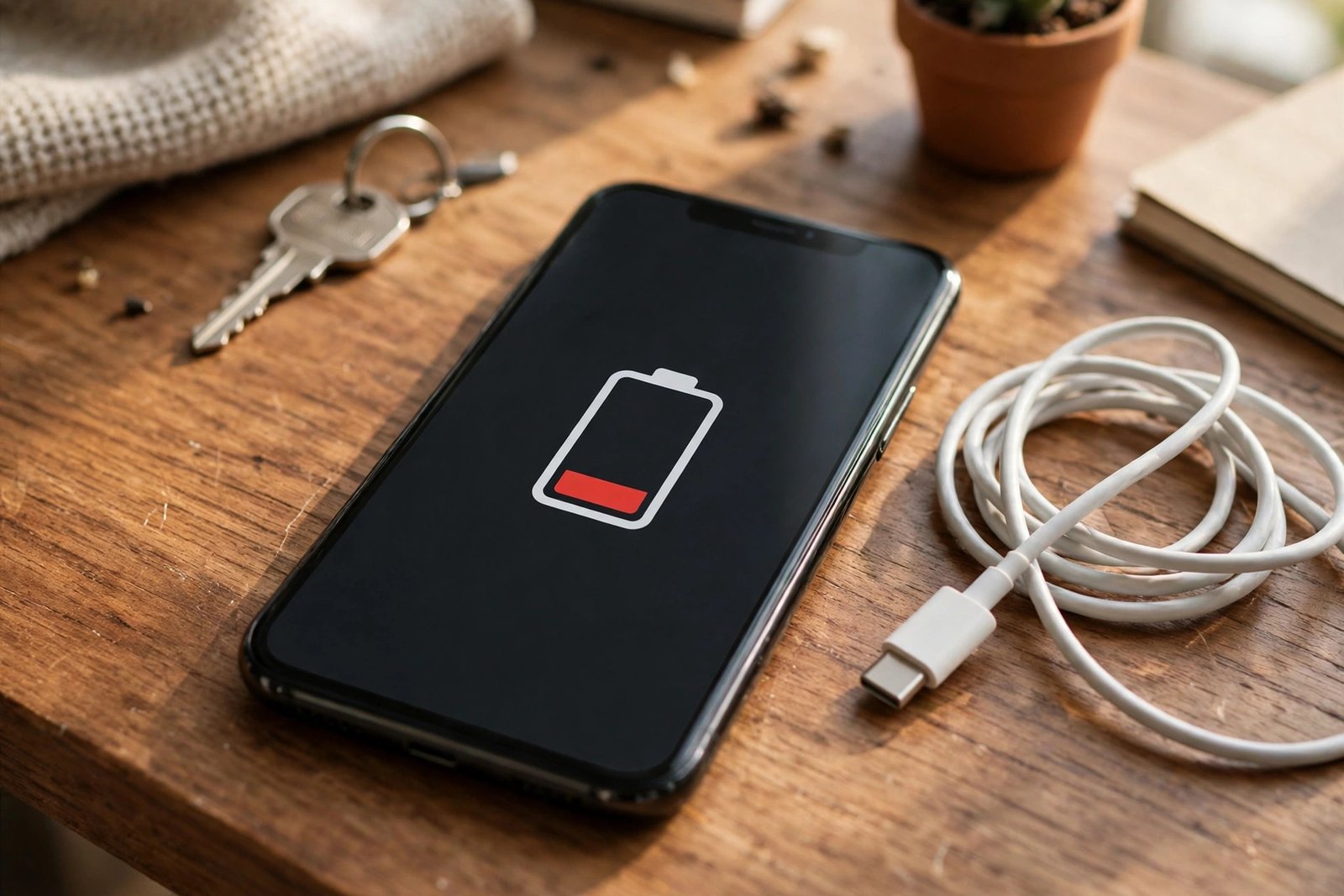
If your phone barely makes it to dinner time while it used to last all day, you are not imagining it. A fast-draining battery is one of the most common phone complaints, and it rarely has just one cause. Most of the time it is a mix of a few everyday things quietly eating power in the background.
Quick Answer: Your phone battery usually drains fast because of a bright screen, apps running in the background, a weak mobile signal, or a battery that has simply aged. Check Settings > Battery to see what is using the most power, then turn down the biggest drains — most people see a real difference the same day.
The most common reasons your battery drains fast
1. The screen is doing most of the damage
The display is the biggest power user on any phone. Full brightness, a long screen timeout, and a high refresh rate (120Hz on many newer phones) all add up. If you spend hours scrolling, watching videos, or gaming, the screen alone can explain a short battery life.
Turning on auto-brightness and shortening the screen timeout to 30 seconds or a minute are two of the quickest wins. On phones with OLED screens, dark mode helps too, because dark pixels use less power.
2. Apps running in the background
Social media, email, maps, and shopping apps keep checking for updates, syncing data, and tracking location even when you are not using them. One or two heavy apps can quietly use more battery than everything else combined.
This is the first place to look when the drain starts suddenly. A recent app update, a stuck process, or an app that started misbehaving can all cause a sharp drop. Restarting your phone clears stuck processes and often fixes a sudden drain on its own.
3. A weak signal or patchy 5G
When your signal is weak, your phone turns up its radio power to stay connected to the tower. That is why battery life often looks worse on a train, in a basement, or in a rural area. The same thing happens with patchy 5G: the phone keeps switching between 4G and 5G, which uses extra power.
If you are in an area with weak 5G, switching your network setting to 4G/LTE for the day can noticeably slow the drain. And when you are on Wi-Fi, stay on it — Wi-Fi generally uses less power than mobile data.
4. Your battery has aged
Phone batteries wear out with use. Most lithium-ion batteries are designed to keep about 80% of their original capacity after around 500 full charge cycles, which for most people is roughly two years of daily charging. After that point the battery simply holds less charge, so the same phone dies sooner.
You can check this yourself. On an iPhone, go to Settings > Battery > Battery Health & Charging and look at Maximum Capacity. On Android, the path varies by brand, but most phones show battery health or usage under Settings > Battery, and free apps like AccuBattery can estimate it.
5. Heat and old software
Heat is hard on batteries. Leaving a phone in a hot car, in direct sun, or gaming while charging can warm it up and speed up wear. Old software can also be a factor: updates usually include battery fixes, so a phone running a very old version may be missing them.
How to find what is draining your battery
Do not guess — your phone already keeps score:
- iPhone: Settings > Battery. Scroll down for battery usage by app over the last 24 hours or 10 days. Look for any app with high background activity.
- Android: Settings > Battery > Battery usage. The same breakdown shows which apps and services used the most power.
- Both: If one app stands out, restrict its background use in its settings, or turn off background app refresh for it. If a system item like “System Services” is high, location access is often the reason — set location permission to “While Using” for apps that do not need it always.
Fixes that actually work
- Lower the screen load. Turn on auto-brightness, shorten the screen timeout, and switch on dark mode if your phone has an OLED screen.
- Tame background apps. Turn off background app refresh for apps you do not need updated constantly, and set location access to “While Using” instead of “Always”.
- Use Battery Saver / Low Power Mode. The built-in mode on iPhone and Android cuts background activity and is far more effective than any third-party battery saver app.
- Keep your software updated. Install system and app updates — they often fix the exact bugs that cause drain.
- Restart your phone. A simple restart clears stuck background processes and is worth trying before anything more drastic.
- Stay on Wi-Fi and steady signal where you can. Weak signal is a silent drain; in a dead zone, airplane mode with Wi-Fi on saves real battery.
- Charge smart. You do not need to keep the battery between 20% and 80% all the time, but avoiding constant full charges and deep drains helps long-term health. Turn on optimized or adaptive charging, which holds the charge at 80% overnight and finishes just before you wake up.
Battery myths that do not help
Closing every app does not save battery. Apps sitting in the recent-apps list are mostly paused and use very little power. Force-closing them means the phone has to reload everything from scratch next time, which uses more power, not less. Only restrict an app that is actually misbehaving.
Battery saver apps are not worth it. Third-party battery apps cannot do anything the built-in Battery Saver or Low Power Mode does not already do better, and many are loaded with ads.
Turning off Wi-Fi to save battery usually backfires. Wi-Fi uses less power than mobile data, so switching Wi-Fi off and running on data instead tends to drain the battery faster.
When it is time for a new battery
Consider a replacement if your maximum capacity is below 80%, the phone shuts down unexpectedly even with charge left, or it barely lasts half a day after you have tried the fixes above. A battery replacement is usually much cheaper than a new phone and restores most of the original battery life.
One exception needs quick action: a swollen battery — a screen lifting away from the frame or a back cover bulging. Stop using the phone and get it replaced right away; do not try to charge it or press it back down.
Common questions
Is it bad to charge your phone overnight?
Not really. Modern phones stop charging at 100%, so an occasional overnight charge is fine. For long-term battery health, optimized charging is the better habit, since sitting at 100% for hours every night adds wear over time.
Does 5G drain the battery faster?
Yes, especially where 5G coverage is weak or patchy. The phone works harder to hold the connection and switch between networks. If your area has spotty 5G, using 4G/LTE usually saves a noticeable amount of battery.
Does dark mode save battery?
On phones with OLED screens — which most modern phones have — yes, because dark pixels draw less power. On older LCD screens the saving is small.
Why did my battery get worse after an update?
After a big update, apps re-sync, re-index, and relearn your usage patterns, which can raise battery use for a day or two. If it lasts longer than a few days, restart the phone, check battery usage for a misbehaving app, and make sure the update fully finished installing.
In most cases, a fast-draining battery is not a dying phone — it is a fixable setting, a greedy app, or a weak signal. Find the biggest drain first, fix that one thing, and your phone will usually start lasting the day again.

70+ Funny WiFi Names That Will Make Your Neighbors Laugh (2026)

Why Does My Phone Battery Drain So Fast? (And How to Fix It)

Powerball Numbers for October 24, 2026: Winning Numbers, Jackpot & Next Drawing

Empower Your SEO and Design with Seotoolsgroupbuy.us’ Designer Plan

Sejda PDF Editor Review: Features, Pricing & Best Alternatives
