
Tech
70+ Funny WiFi Names That Will Make Your Neighbors Laugh (2026)

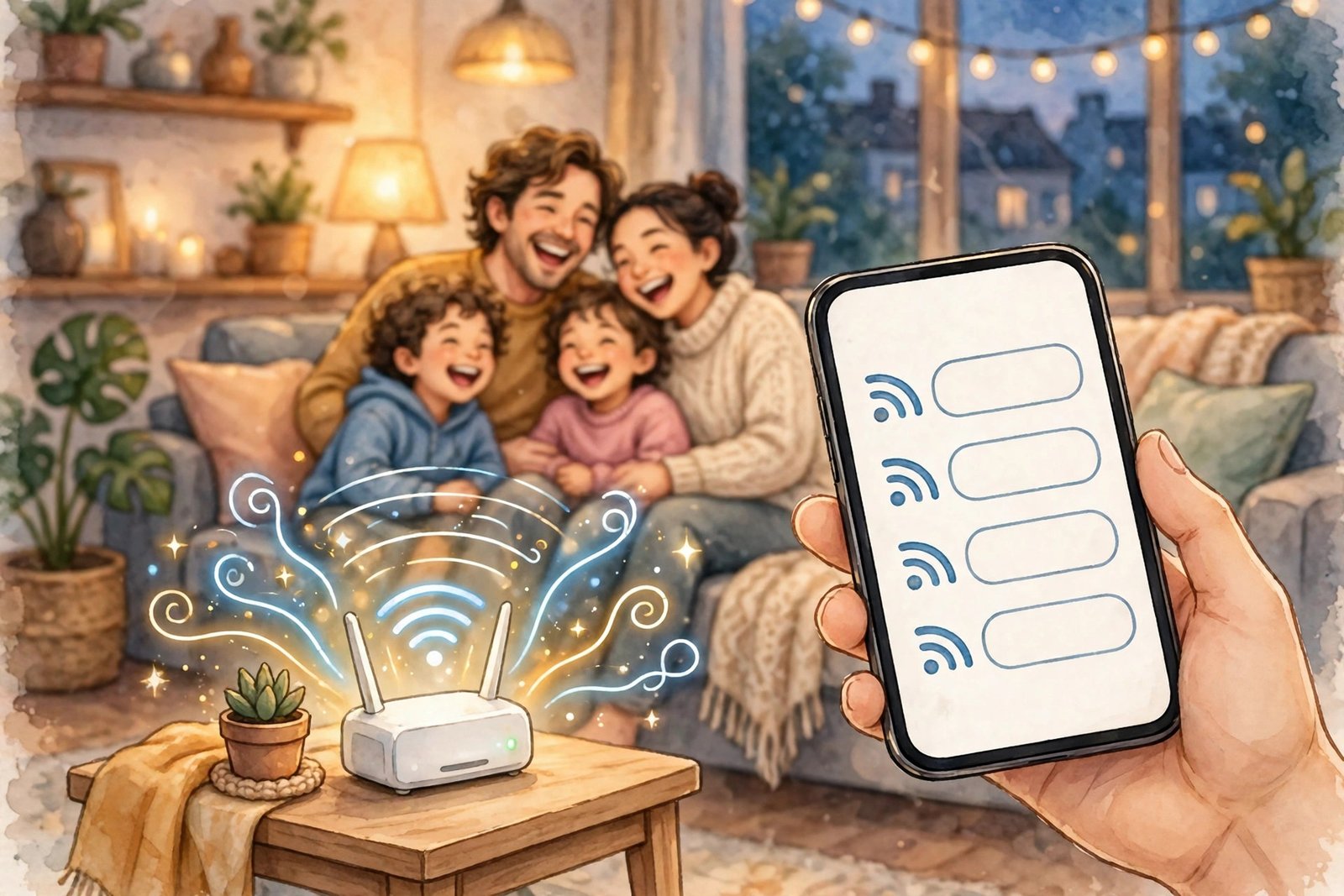
Your WiFi network name is the one thing every guest and neighbor sees — so why leave it as the boring default your router came with? We put together this list of funny WiFi names by grouping them the way people actually pick one: classic puns, pop culture jokes, nerdy tech humor, and family-safe options that will not embarrass you in front of the neighbors. Every name below is short, easy to remember, and safe to use at home.
One quick note before you pick: changing your network name does not change your WiFi password, but your devices will need to reconnect to the network under its new name afterward.
Classic WiFi Puns
These are the all-time favorites. They work because the joke lands the second someone reads it.
- Pretty Fly for a WiFi — the pun that started it all, and still the most popular choice.
- Wu-Tang LAN — a hip-hop classic that doubles as a networking joke.
- The LAN Before Time — nostalgia and a networking term in one name.
- Silence of the LANs — a movie reference only slightly less scary than a dead connection.
- Lord of the Pings — for the household that takes its fantasy (and its latency) seriously.
- The Promised LAN — grand, dramatic, and perfect for a home that finally upgraded its router.
- LAN Solo — short, clever, and instantly recognizable.
- Bill Wi, the Science Fi — a science-class joke your guests will actually get.
- Nacho Average Network — a snack pun that never gets old.
- It Hurts When IP — a groaner in the best possible way.
- Winternet Is Coming — a warning and a promise at the same time.
- Every Day I’m Buffering — honest, relatable, and funnier if your connection actually is slow.
Pop Culture and TV Favorites
If your household runs on streaming and movie nights, start here.
- Troy and Abed in the Modem — a Community favorite for TV lovers.
- House of LANs — works for drama fans and anyone with a big family network.
- Game of Phones — because everyone in the house is on one.
- The WiFi Awakens — a Star Wars nod for the day the new router arrives.
- Breaking LAN — short, punchy, and instantly understood.
- Stranger Pings — spooky, nerdy, and very on-brand for a binge-watching home.
- Router? I Hardly Know Her — an old-school joke format that still gets a laugh.
- Dumbledore’s IT Staff — for the Harry Potter household.
- The Office WiFi — simple, but it makes every guest smile.
- WiFi So Serious — a music reference that doubles as a warning to bandwidth hogs.
- May the WiFi Be With You — the safest pick if you want a joke everyone knows.
- One WiFi to Rule Them All — for the Lord of the Rings fans in the building.
Funny Names for the Neighbors
These are the names your neighbors see when they scan for networks. Keep them playful, not rude — you still have to live next to these people.
- Stop Stealing My WiFi — direct, funny, and weirdly effective.
- This Is Not Your WiFi — the polite version of a locked door.
- Definitely Not a Spy Network — suspicious in exactly the right way.
- Mom, Click Here for Internet — the classic family-home joke.
- Tell My WiFi I Love Her — a pun that has survived a decade of lists for a reason.
- Free WiFi (Password Protected, Obviously) — the bait-and-switch every guest falls for once.
- Error: Connection Too Funny — a fake error message that reads like a real one.
- WiFi? I Barely Know Her — a second spin on the classic format.
- Keep Off My LAN — short, clear, and very neighbor-proof.
- The Password Is Password — it is not, but your neighbors will wonder for a second.
Nerdy and Tech Jokes
For the household where someone actually knows what a ping is.
- 404 Network Not Found — the error code everyone recognizes.
- LAN Down Under — geography, networking, and a song reference in three words.
- Abraham Linksys — history meets router brand, and it works far better than it should.
- Benjamin FrankLAN — the same idea, founding-father edition.
- Router of Requirement — it appears exactly when you need it, just like the room.
- sudo Make Me a Sandwich — a Linux joke for the command-line crowd.
- It Burns When IP — the edgier cousin of “It Hurts When IP.”
- Ping’s Creek — a TV drama pun for the quietly nerdy.
- Wi Believe I Can Fi — motivational and ridiculous at once.
- Access Denied — blunt, funny, and technically accurate for guests without the password.
- The LAN, the Myth, the Legend — for a network that has earned its reputation.
- Buffering… Please Hold — painfully honest, and that is the joke.
Family-Safe and Kid-Friendly Names
If kids, grandparents, or the whole apartment building can see your network name, these are the safe bets that are still actually funny.
- Nacho WiFi — short, silly, and safe for every age.
- The WiFi of the Tiger — a pump-up song and a network name in one.
- WiFi and Chill — relaxed, friendly, and true for most living rooms.
- Home Sweet Home Network — wholesome with just enough wordplay.
- Cookies Not Included — a snack joke with zero risk.
- Probably Doing Homework — the most believable lie a family network can tell.
- The Good WiFi — simple, confident, and a little boastful.
- Smells Like WiFi Spirit — a music pun that stays family-friendly.
- WiFi Wonderland — cheerful, and easy for kids to spot on the list.
- No WiFi, No Cry — a reggae classic, repurposed for the router age.
Clever Names for a Guest Network
Many routers let you run a second network just for visitors. These names are perfect for it — and they keep guests off your main network.
- Guests Welcome, Devices Judged — warm, with a warning.
- Guest WiFi, Main Character Energy — for the household with a sense of humor about itself.
- Visitors, This Way — clear, friendly, and impossible to mix up with the main network.
- The Guest List — a pun that works best when it is literally true.
- Free-ish WiFi — honest about the password situation.
- Please Don’t Stream in 4K — a practical request disguised as a joke.
- WiFi for Friends Only — sets the boundary with a smile.
- The Spare Network — boring-sounding, which is exactly why guests remember it.
- Ask for the Password — saves you from the “what’s the WiFi password?” conversation, almost.
- GuestNet and Chill — the relaxed version of your main network.
How to Pick the Right One
A funny name is only good if it still works as a network name. Keep these rules in mind:
- Keep it under 32 characters. That is the maximum length for a WiFi network name (SSID), so long jokes get cut off. Shorter is better — guests should be able to spot it at a glance.
- Make it recognizable. Guests should be able to tell it is yours. If every network in the building has a joke name, add something personal, like your house number or street.
- Keep it family-safe. Your network name is visible to everyone nearby, including kids. If you would not put it on a doormat, do not put it on your router.
- Do not use personal information. Skip your full name, address, or phone number — that information is broadcast to the whole street.
- Do not impersonate official networks. Names that copy a police, government, or business network can cause real confusion and trouble. A joke about the FBI van is one thing; pretending to be an official network is another.
How to Change Your WiFi Name
Picked a favorite? Changing it takes about two minutes:
- Open your router’s app, or type your router’s admin address into a browser (it is usually printed on the bottom of the router).
- Sign in with the admin username and password — also printed on the router or in its manual.
- Find the Wireless or WiFi Settings section and look for the Network Name (SSID) field.
- Type in your new name, save the changes, and wait for the router to restart.
- Reconnect each device to the network under its new name, using your existing WiFi password.
If you run a guest network, you can usually set its name separately in the same settings page — that is where the guest-network names above come in handy.
Frequently Asked Questions
Does changing my WiFi name change my password?
No. The network name and the password are separate settings. Changing the name alone leaves your password untouched — you just reconnect with the same password under the new name.
Will my devices disconnect when I change the name?
Yes, briefly. Devices remember networks by name, so after a rename they will show the old network as gone and the new one as available. Just select the new name and enter your password once, and they will remember it from then on.
Can I use spaces or emoji in a WiFi name?
Spaces work fine on most routers, and many modern routers accept emoji too — but some older devices cannot display them properly. Stick to letters, numbers, and simple punctuation if you want the name to show up correctly everywhere.
Can my main network and guest network have different names?
Yes, and they should. Different names make it obvious which network guests should join, and keep your main network and its connected devices private.
Duolingo vs Babbel: Which Language App Is Better in 2026?

70+ Funny WiFi Names That Will Make Your Neighbors Laugh (2026)

Why Does My Phone Battery Drain So Fast? (And How to Fix It)

Empower Your SEO and Design with Seotoolsgroupbuy.us’ Designer Plan

Sejda PDF Editor Review: Features, Pricing & Best Alternatives
