
Tech
Do Smartwatches Work Without a Phone? The Honest Answer

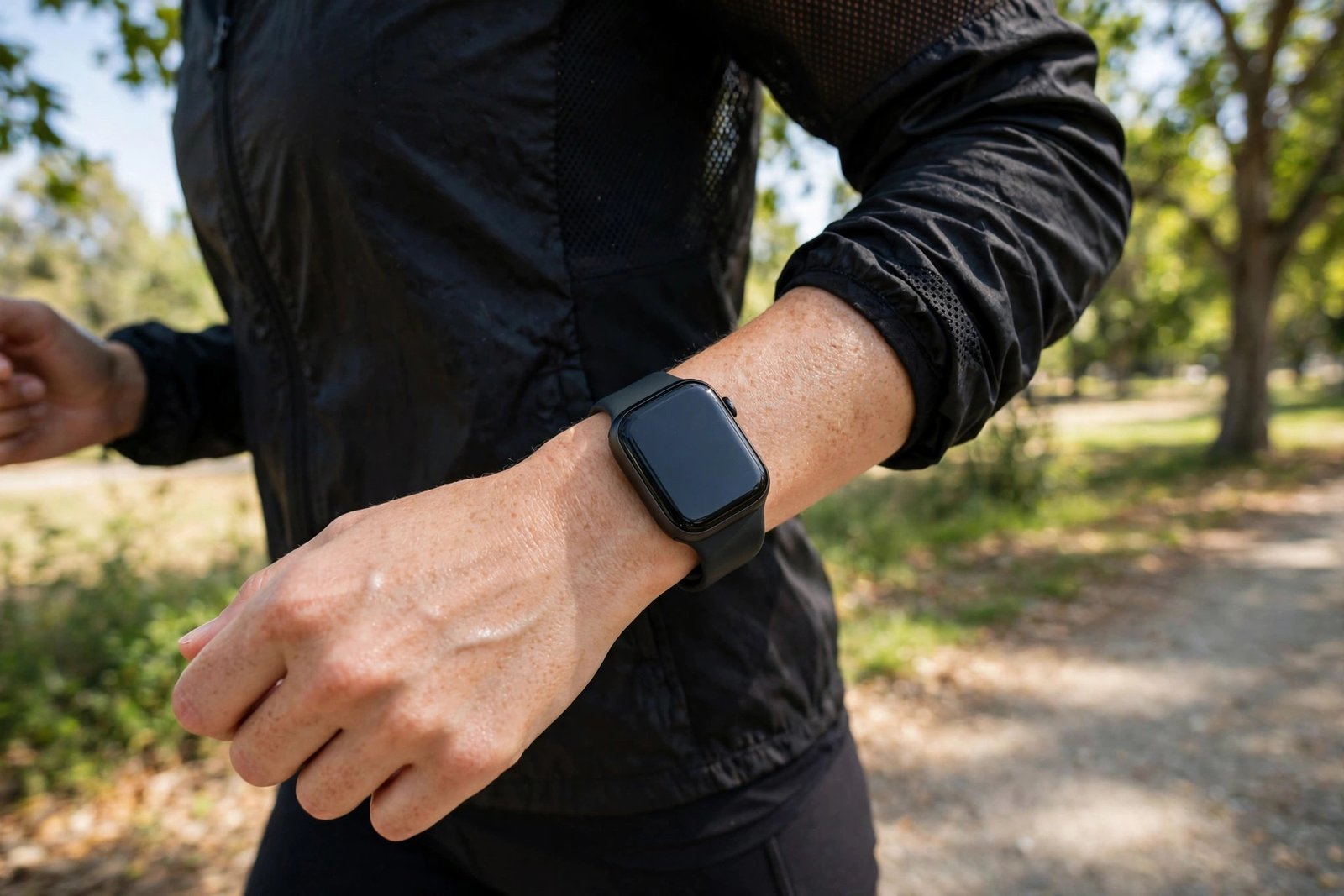
It is one of the first questions people ask before buying a smartwatch: if the watch is supposed to be smart, does it still work when your phone is sitting at home? The short answer is yes — but how much it can do on its own depends on the watch you own and how it connects.
Quick Answer
Yes, most modern smartwatches work without a phone nearby. Time, alarms, step counting, workouts, GPS tracking, heart rate and sleep monitoring all run on the watch itself. What you lose without a phone depends on the model: calls, texts and internet access need either Wi-Fi or a cellular (LTE) plan, and the first-time setup almost always requires a phone.
What Works Without a Phone
Even a basic smartwatch is a small computer on your wrist, with its own sensors, processor and storage. Take the phone away and these keep working:
- Time, alarms and timers — the watch tells the time and wakes you up, phone or no phone.
- Step counting and activity tracking — accelerometers and gyroscopes record your movement all day.
- Workouts — start a run, a bike ride or a gym session on the watch and it logs distance, pace, heart rate and calories.
- GPS tracking — most current smartwatches have built-in GPS, so your running route is recorded accurately without a phone in your pocket.
- Heart rate and sleep tracking — optical sensors on the back of the watch measure heart rate and log your sleep, then sync the data later.
- Offline music — many watches let you store playlists from Spotify, Apple Music or YouTube Music on the watch and play them through Bluetooth headphones.
- Contactless payments — cards added to Apple Pay, Google Wallet or Samsung Wallet keep working for tap-to-pay even when the phone is not around.
The data is stored on the watch and synced to your phone or account the next time the two connect. If you are just getting started with wearables, our guide on what a smartwatch actually is explains the sensors and features in plain terms.
What Needs a Phone (or Wi-Fi, or LTE)
Some things still need a connection of one kind or another:
- First-time setup — nearly every smartwatch must be paired with a phone app at least once. Samsung’s own support pages note that Galaxy Watches running Wear OS cannot be used without a phone for setup, though some models can later be set up to run solo.
- Notifications and messages — a Bluetooth-only (GPS-only) watch only gets calls, texts and app notifications while it is connected to your phone.
- Installing apps and watch faces — new apps usually come through the phone app or the watch’s own app store over Wi-Fi.
- Software updates — these download over Wi-Fi or through the phone.
The Middle Ground: Wi-Fi
Wi-Fi is the option many people forget. When a smartwatch connects to a trusted Wi-Fi network, it can fetch email, messages and weather, sync your calendar and back itself up — all without the phone being anywhere near. This is why a watch left at home on your home Wi-Fi still feels alive, while the same watch on a run with no Wi-Fi feels quieter.
True Independence: LTE (Cellular) Smartwatches
If you want a watch that truly stands alone, look for “LTE” or “cellular” in the model name. These watches carry their own eSIM and connect directly to mobile networks, so they can:
- Make and receive calls from your wrist
- Send texts and use data apps without a phone nearby
- Stream music and get notifications anywhere with signal
There are catches. An LTE watch needs its own mobile plan, which usually adds a monthly fee to your phone bill. It also still needs a phone for the initial setup in most cases — Apple Watch requires an iPhone to set up, and Samsung watches pair with Android phones. Battery life also drops faster on LTE, since the watch is running its own cellular radio.
What You Cannot Do Without a Phone
Even the best standalone watch has limits. You generally cannot set up a brand-new watch from scratch without a phone, you cannot reply to messages on a GPS-only watch while away from your phone, and features tied to your phone’s apps — like replying to emails or controlling smart home devices through a phone-only app — stay out of reach. And remember that a watch’s health readings are useful for tracking trends, not for diagnosing anything — if a reading worries you, check with a doctor.
Do You Actually Need LTE?
For most people, no. If your watch is usually within Bluetooth range of your phone, or on Wi-Fi at home and work, a GPS-only model covers the important stuff: workouts, sleep, music and payments. LTE is worth the extra cost if you regularly run, hike or travel without your phone and still want to be reachable — parents buying a first watch for a child also like it for the same reason. If you track your sleep, our guide to tracking sleep on a smartwatch shows how the watch records the night on its own and syncs the results later.
Common Questions
Can I use a smartwatch without a smartphone at all?
Mostly yes, after the first setup. Day-to-day features like time, workouts, GPS, heart rate and sleep tracking work fine. But setup, app installs and — on GPS-only models — calls and messages still need a phone or a connection.
Can a smartwatch make calls without a phone?
Only LTE (cellular) models with an active mobile plan can call and text on their own. GPS-only watches can only take calls through the connected phone.
Do smartwatches work without Wi-Fi?
Yes for on-device features like workouts, step counting and sleep tracking. Wi-Fi is only needed for syncing, updates and online features when the phone is not connected.
Will my smartwatch still track a run without my phone?
Yes. Built-in GPS records your route, pace and distance, and the workout syncs to your phone or fitness account when the watch reconnects.



How Does a Smartwatch Work? Explained in Simple Terms

Smartwatch vs Fitness Tracker: Which One Should You Buy in 2026?

7 Best Smartwatches for Beginners in 2026: Simple Picks for Every Phone

Empower Your SEO and Design with Seotoolsgroupbuy.us’ Designer Plan

Twstalker Twitter Web Viewer: Guide to Anonymous Twitter Browsing
