
Tech
How to Track Sleep on a Smartwatch: A Simple Guide

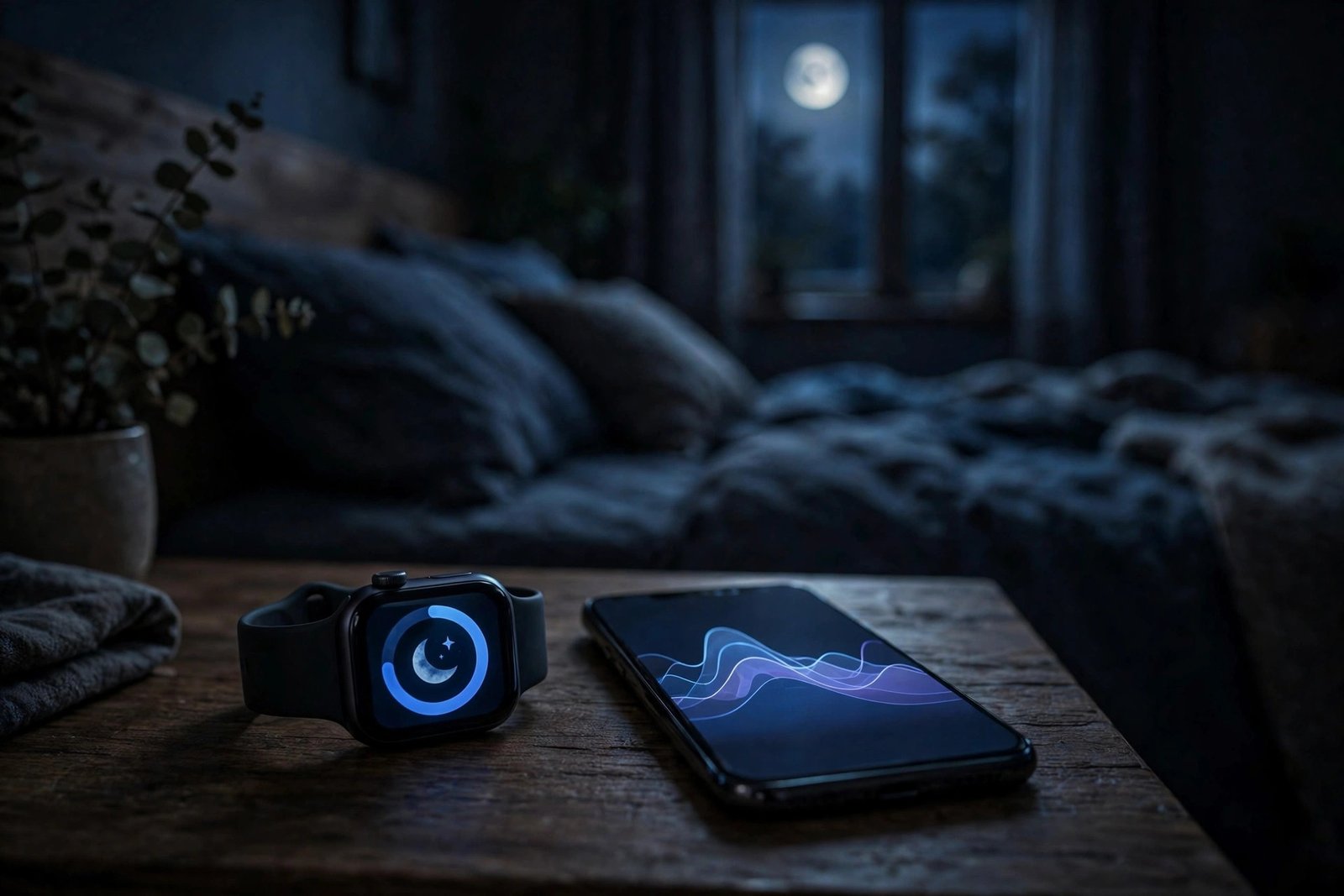
Most smartwatches can track your sleep automatically — you just have to set them up right and actually wear them to bed. If you do that, you will wake up to a sleep score, a breakdown of your sleep stages, and a record of how long you really slept. This guide shows you how, step by step, on Apple Watch, Samsung Galaxy Watch, Garmin, and Fitbit or Pixel Watch.
Quick answer: Charge your watch before bed, wear it snugly on your wrist, set your bedtime and wake-up time in the watch’s sleep settings or companion app, then check your results in the morning in the companion app. Most watches detect sleep on their own once these basics are in place.
Before You Start: 4 Things Every Watch Needs
No matter which watch you own, sleep tracking only works well if you get these four things right:
- Charge before bed. A watch that dies at 3 a.m. records half a night or nothing at all. Top it up while you wind down in the evening. Apple Watch even warns you if the battery is below 30% before bedtime.
- Wear it snugly, not tightly. The sensors on the back of the watch need steady contact with your skin. Wear it about one finger’s width above your wrist bone. Too loose, and the heart-rate sensor loses the signal; too tight, and it will bother you all night.
- Set your sleep schedule. Tell the watch when you usually go to bed and wake up. This helps it tell the difference between sleep and just sitting still on the couch.
- Turn on sleep mode. Sleep mode silences notifications and dims or turns off the screen so buzzes and flashes do not wake you — or get counted as waking up.
Once those are done, the watch does the rest: its motion sensor and heart-rate sensor watch for the stillness and slower heart rate of sleep, then sort the night into light, deep, and REM stages.
How to Track Sleep on Apple Watch
- Open the Sleep app on your Apple Watch and follow the on-screen setup. You can also set it up on your iPhone: open the Health app, tap Browse, tap Sleep, then tap Get Started.
- Set a sleep goal (how many hours you want to sleep), your bedtime, and your wake-up time. You can make different schedules for weekdays and weekends.
- Turn on Sleep Focus so the screen turns off and notifications stay quiet during your wind-down time and through the night.
- Make sure Sleep Tracking is on: on the watch, go to Settings > Sleep and check the toggle.
- Wear the watch to bed. In the morning, open the Sleep app on the watch to see last night’s sleep, your time in REM, Core, and Deep stages, and your 14-day average. Full detail lives in the iPhone Health app under Sleep.
Note: Apple Watch needs to track your sleep for at least four hours in a night to produce a full result, and sleep tracking requires watchOS 8 or later.
How to Track Sleep on Samsung Galaxy Watch
- Open the Samsung Health app on your watch and your phone, and make sure the watch is connected through the Galaxy Wearable app.
- On the watch, go to Samsung Health > Settings and turn on Blood oxygen during sleep if you want that data included.
- Turn on Snore detection if you want it. For this, your phone needs to sit near your head on a stable surface, like a nightstand, with the bottom of the phone pointing toward you.
- Wear the watch to bed with the sensor flat against your skin.
- In the morning, swipe left on the watch home screen to the Sleep tile and tap it. You will see your sleep time, sleep score, sleep stages (Awake, REM, Light, Deep), blood oxygen, and snore time. Tap Show on phone for the full breakdown in Samsung Health.
How to Track Sleep on Garmin
- Pair your watch with the Garmin Connect app on your phone, if you have not already.
- Set your normal sleep hours: in Garmin Connect, go to Settings > User Settings and set your bed time and wake time. You can also set this on the watch itself. The watch uses these hours, plus its motion and heart-rate sensors, to spot when you fall asleep.
- Wear the watch to bed. Sleep tracking is on by default on most Garmin watches, and you can switch on Do Not Disturb so alerts do not wake you.
- In the morning, check the Sleep glance on the watch, or open Garmin Connect and go to Health Stats > Sleep for your sleep score (0–100), total hours, sleep stages, and movement during the night.
How to Track Sleep on Fitbit and Pixel Watch
- Open the Fitbit app (or the Fitbit app on a Pixel Watch, which syncs through Google’s Fitbit experience) and make sure your device is paired and synced.
- Wear the device to bed in a snug wristband. Wrist-based Fitbit devices and Pixel Watch models detect sleep automatically: when your body is fully at rest and you have barely moved for about an hour, the device starts recording sleep.
- Sync the device in the morning by opening the app near your watch. Then open the Sleep tile to see your sleep score, sleep stages, and time spent awake or restless. On Pixel Watch, you can also check the Fitbit app’s sleep card on the watch itself.
- If your device tracks heart rate, you will also get a stage breakdown; without a heart-rate sensor, you will see a simpler sleep pattern of asleep, restless, and awake time.
How to Read Your Sleep Results
Every brand shows roughly the same things, even if the names differ:
- Sleep score (usually 0–100): a single number summing up the night. Higher is better, but one bad night means little — look at the weekly trend instead.
- Sleep stages: light sleep, deep sleep, and REM. Deep sleep is the most restorative; REM is when most dreaming happens. A normal night cycles through all of them several times.
- Time asleep vs. time in bed: the gap between the two is time spent awake or restless. A big gap often means you went to bed too early or kept waking up.
- Consistency: going to bed and waking up at similar times each day usually lifts your score more than any single gadget trick.
One honest warning: a smartwatch is a wellness tool, not a medical device. It can show patterns worth paying attention to, but it cannot diagnose sleep problems. If you snore heavily, often wake up gasping, or feel exhausted despite long nights, talk to a doctor rather than trusting the watch alone.
Troubleshooting: When Sleep Tracking Does Not Work
No sleep recorded at all
Check the battery first — a dead watch records nothing. Then check that the watch was actually worn: a watch left on the nightstand cannot track anything. Finally, confirm sleep tracking is turned on (Apple Watch: Settings > Sleep; Samsung: Samsung Health settings; Garmin: it is on by default, so check your sleep hours are set right).
Only part of the night was recorded
This usually means the watch slipped off, lost skin contact, or ran out of battery mid-night. Wear it a notch snugger and charge before bed. On Apple Watch, a sleep schedule that starts much later than your real bedtime can also cut the recording short, so set the schedule to match when you actually go to bed.
Sleep stages or score are missing
Stage data needs a heart-rate sensor and a long enough stretch of sleep — short naps and broken nights often show duration only. On Fitbit, some detailed stats need a Premium subscription, and on Apple Watch, at least four hours of tracked sleep are needed for a full result.
The watch says you slept when you were just watching TV
Long, still evenings can fool the motion sensor. A set sleep schedule fixes most of this, because the watch then only counts sleep inside your scheduled window. Sleep mode helps too, since it marks the start of your night.
Data does not show up in the morning
Open the companion app near the watch and let it sync — most watches only send the night’s data when the app is open and the watch is nearby. If it still does not appear, restart the watch and the phone’s Bluetooth, then sync again.
Tips to Get Better Sleep Data
- Charge during your evening wind-down, not overnight, so the watch is on your wrist all night.
- Keep the same bedtime and wake time, even on weekends — consistency makes the data far more useful.
- Wear the same wrist each night so the readings stay comparable.
- Clean the sensor on the back of the watch now and then; sweat and lotion build up and weaken the signal.
- Judge weeks, not single nights. One restless night after a late coffee tells you nothing; a two-week trend tells you plenty.
Frequently Asked Questions
Do I have to wear my smartwatch every night?
Yes, for night-by-night tracking. The watch can only record sleep while it is on your wrist. Skipping a night just leaves a gap in your history; it does not break anything.
Does sleep tracking drain the battery?
Barely. The sensors run at low power overnight. The bigger battery cost is a bright always-on screen, so sleep mode helps here too.
Can a smartwatch detect sleep apnea?
No. Some watches flag possible breathing disturbances or low overnight blood oxygen, but that is not a diagnosis. Only a proper sleep study can diagnose apnea.
Is sleep tracking accurate?
It is good at total sleep time and decent at spotting when you wake up, but stage estimates are educated guesses from motion and heart rate, not brainwave readings. Treat the stages as a rough guide, not a lab result.
If you are still picking a watch, start with our guide to what a smartwatch actually is — it covers the basics before you buy.


How to Track Sleep on a Smartwatch: A Simple Guide

Why Nvidia Stock Fell From Its Record High — and Why SpaceX Is Now in the Story

McDonald’s Pokémon Happy Meal Returns November 10, 2026: Toys, Cards, and What to Know

Empower Your SEO and Design with Seotoolsgroupbuy.us’ Designer Plan

Twstalker Twitter Web Viewer: Guide to Anonymous Twitter Browsing
