
Tech
7 Best WiFi Routers for Large Homes (2026)

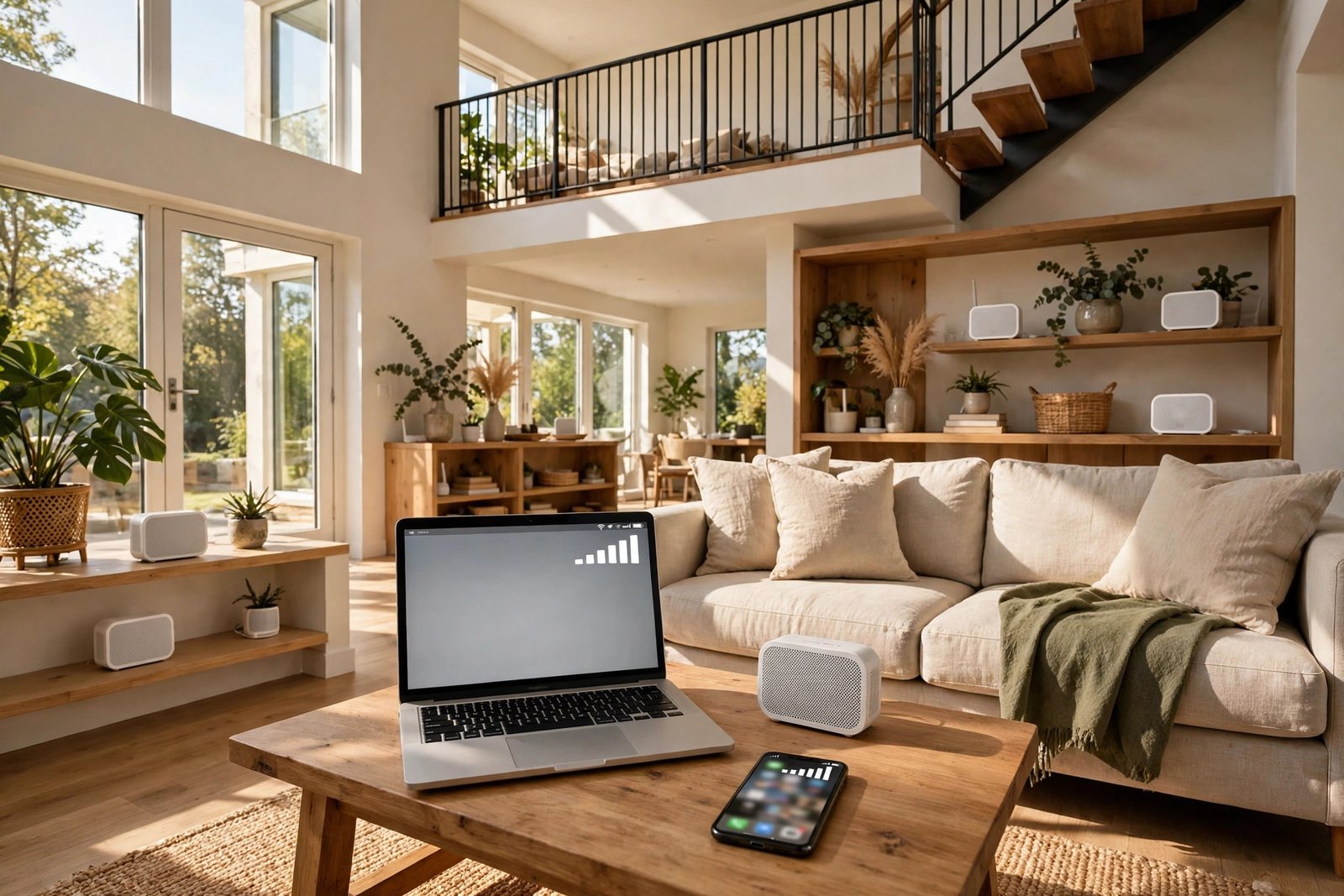
If your video calls freeze in the upstairs office and the back bedroom barely gets a signal, a faster internet plan alone will not fix it. In a large home, the problem is usually distance, walls, and floors — and that is exactly what a mesh WiFi system is built for. Instead of one box trying to cover the whole house, several units work together as one network, so your phone stays connected as you move from room to room.
We picked the seven systems below by looking at the things that actually matter in a big house: rated coverage for a full pack, WiFi generation, wired ports, how many devices each system can handle, and whether the useful features need a subscription. Coverage figures below are the manufacturers’ rated figures for the pack size named — in a real home with thick walls and several floors, expect less than the headline number, which is why placement matters so much.
Quick picks
- Best overall WiFi 7 system: TP-Link Deco BE63
- Best for very large homes: NETGEAR Orbi 770
- Best for Google smart homes: Google Nest Wifi Pro
- Best hands-off system: eero Pro 7
- Best WiFi 6E value: TP-Link Deco XE75
- Best budget pick: TP-Link Deco X55
- Best for people who like control: ASUS ZenWiFi AX (XT8)
1. TP-Link Deco BE63 — Best overall WiFi 7 system
The Deco BE63 is the easiest all-round pick for a large home that wants to stay current for years. The three-pack is a tri-band WiFi 7 system rated for up to 7,600 sq ft and more than 200 devices, with a combined BE10000 rating. Each unit has four 2.5G Ethernet ports and a USB port, so wired gear like a games console or a TV box is easy to connect. Setup and everyday controls run through the Deco app, and basic HomeShield security and parental controls are included, with fuller protection available as a paid extra. It suits busy households that stream, work from home, and game on the same network.
2. NETGEAR Orbi 770 — Best for very large homes
If your house is genuinely big — several floors, a finished basement, or a long layout — the Orbi 770 is built for that job. The three-pack covers up to 8,000 sq ft with tri-band WiFi 7 at up to 11 Gbps combined, and handles up to 100 devices. The router has 2.5G WAN and LAN ports, and each satellite has two 2.5G LAN ports, so wired backhaul and wired devices are well covered. The Orbi app keeps setup simple, and there is a separate network for smart-home gadgets. Just note that the fuller Armor security and parental-control features are subscription extras.
3. Google Nest Wifi Pro — Best for Google smart homes
Nest Wifi Pro is the natural choice if your home already runs on Google Home. It is a WiFi 6E system (AXE5400) with each unit covering up to 2,200 sq ft, so the three-pack reaches up to 6,600 sq ft. It doubles as a Thread border router and supports Matter, which helps smart-home devices stay connected, and everything is managed in the Google Home app. Two things to know before buying: its Ethernet ports are 1 Gbps, so it is not the pick for a multi-gig internet plan, and it cannot be combined in a mesh with older Nest Wifi or Google Wifi units.
4. eero Pro 7 — Best hands-off system
The eero Pro 7 is for people who want WiFi that just works and never want to think about it again. Each unit covers up to 2,000 sq ft, so a three-pack covers up to 6,000 sq ft, and it supports more than 200 devices per unit. It is a tri-band WiFi 7 system with wireless speeds up to 3.9 Gbps and two auto-sensing 5 GbE ports, so it suits internet plans up to 5 Gbps. Built-in Thread, Matter, and Zigbee support mean it can also act as a smart-home hub. The trade-off is that some advanced security and VPN features sit behind the eero Plus subscription, and management is app-only.
5. TP-Link Deco XE75 — Best WiFi 6E value
The Deco XE75 gives you WiFi 6E without the WiFi 7 price tag, and it is a strong middle-ground pick. The three-pack is a tri-band AXE5400 system rated for up to 7,200 sq ft and up to 200 devices, and the 6 GHz band can act as a clean wireless backhaul between units. Each unit has three Gigabit Ethernet ports and the Deco app covers setup, parental controls, and guest WiFi. If your internet plan is 1 Gbps or slower and you do not need multi-gig ports, this is where the value is.
6. TP-Link Deco X55 — Best budget pick
The Deco X55 is the pick when the budget matters more than having the newest WiFi standard. It is a dual-band WiFi 6 system (AX3000) with a three-pack rated for up to 6,500 sq ft and up to 150 devices, and each unit has three Gigabit Ethernet ports. Because it is dual-band, there is no separate 6 GHz backhaul band, so for the best results in a large home, wire the units together with Ethernet if you can. For everyday browsing, streaming, and video calls across a big house, it covers the basics well.
7. ASUS ZenWiFi AX (XT8) — Best for people who like control
The ZenWiFi AX (XT8) is an older WiFi 6 system that still earns its place because of how much control it gives you. The two-pack is a tri-band AX6600 system covering up to 5,500 sq ft, with a dedicated backhaul band so node-to-node traffic does not eat into the bandwidth your devices use. The ASUS Router app offers far more settings than most rivals, each unit has a 2.5G port for faster wired connections, and AiProtection security is included. It suits confident users who want to tweak their network rather than leave everything on automatic.
How to choose the right system for your home
Count the floors, not just the square feet. As a rough rule, plan on one unit per floor in a multi-story home, and add one more if the layout is long or the walls are brick or concrete. A two-pack suits many large homes; a three-pack is the safer bet past about 3,000 sq ft or three floors.
Wire the units together if you can. A wired Ethernet backhaul — running a cable between nodes — gives the most stable speeds, especially on dual-band systems. If running cables is not possible, a tri-band system with a dedicated backhaul band is the next best thing.
Match the system to your internet plan. There is no point paying for multi-gig ports and WiFi 7 if your plan is 300 Mbps. On the other hand, if you have a gigabit or multi-gig fiber plan, check the ports: a system with only 1 Gbps ports will cap what you can actually use.
Place units in the open, halfway to the weak spot. Put each unit out on a shelf, not inside a cabinet or behind the TV, and place it where the signal from the previous unit is still decent — not inside the dead zone itself. If the whole house still struggles after a new system, our guide to fixing slow WiFi at home walks through the other usual culprits, from router placement to an overloaded network.
Mesh system or extender?
For a large home, a mesh system is almost always the better buy than a single plug-in extender. Extenders often create a second network name and can roughly halve speeds, while mesh units share one network name and hand your phone over cleanly as you move around. An extender still makes sense for one small dead spot on a tight budget. If you are torn between the two, our mesh vs extender comparison explains which fix fits which situation. And once the new system is running, remember that your WiFi password stays the same unless you change it — here is how to change your WiFi password if you ever need to.
Frequently asked questions
Do I still need a modem with a mesh system?
Yes, in most homes. A mesh system replaces your router, not your modem or your internet service. You connect the main mesh unit to your modem (or to your provider’s gateway), and the rest of the units extend that network around the house.
Will my older phones and laptops still work?
Yes. WiFi 7 and WiFi 6E systems are backward compatible, so older devices will connect normally. They just will not get the faster speeds or new features of the latest standard — only devices that support WiFi 7 can use those.
How many units do I need for a 4,000 sq ft home?
Usually three, especially across two or more floors. Rated coverage assumes open space, so thick walls and floors cut it down fast. Start with a three-pack for a home that size, and add a unit later if one corner still struggles.
Is a mesh system hard to set up?
No — most of these systems are set up from a phone app in well under half an hour. The app finds the units, names your network, and walks you through placing each one. The harder part is choosing good spots for them, which is why placement matters more than the exact model.





7 Best WiFi Routers for Large Homes (2026)

How to Check Battery Health on iPhone and Android: A Simple Guide

Why Does My Phone Overheat While Charging? Causes and Fixes

Empower Your SEO and Design with Seotoolsgroupbuy.us’ Designer Plan

Twstalker Twitter Web Viewer: Guide to Anonymous Twitter Browsing
